
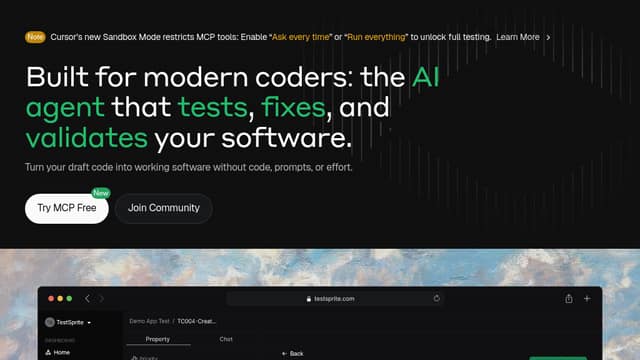
TestSprite
TestSprite generates and runs frontend and backend tests against an application through CLI, MCP or dashboard routes. Failure evidence, schedules and history depend on the workflow and plan.
Find AI tools for work, creativity and everyday tasks. Read what they do before you try them.
TestSprite generates and runs frontend and backend tests against an application through CLI, MCP or dashboard routes. Failure evidence, schedules and history depend on the workflow and plan.

cubic is an Al code review platform that helps teams like Cal.com and n8n catch bugs and merge pull requests faster 28% faster.
IMQRSCAN is a powerful trackable QR code generator to create and monitor QR codes with real-time analytics by location, device, date, and more.

Stakly: AI-Powered Web Application Builder Stakly is an AI-powered platform designed to revolutionize web application development. It allows users to build complete, production-ready...

Download Genspark AI Browser: Your AI-Powered Browsing Companion The Genspark AI Browser is designed to revolutionize your web browsing experience by integrating AI-powered intelligence...

Jules is Google's asynchronous coding agent for GitHub repositories. It works in a cloud VM, proposes a plan and returns code changes for review before a pull request is approved and merged.

Airweave is a shared context-retrieval layer for AI agents and RAG applications. Developers connect data sources to searchable collections, sync their information and query it through a...
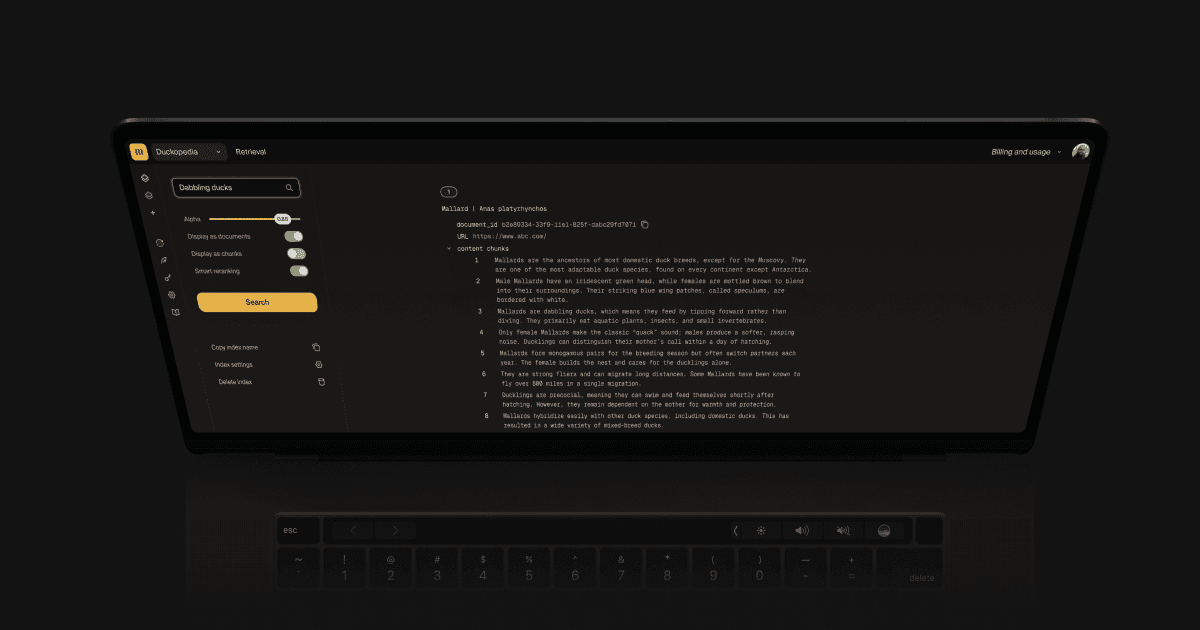
Ducky provides managed AI search and retrieval infrastructure for product developers, with multimodal indexing, reranking and metadata filters. Trial indexing and retrieval balances are...

pixie.haus creates grid-aligned pixel art and animated sprites from prompts or reference images, with palette controls, frame editing and GIF or spritesheet export.
Start with the job, not the brand. Pick a category, sort by newest to see recent launches, then open a tool page to read what it does, who it suits and where its official website is.
Sign in, choose Submit Tool, paste the tool’s official website, pick a category and add a sentence on what it does. Submitting is instant: it is saved straight away and appears in your submission history, where you can follow it through to its published page.
Yes. Founders and makers are welcome to submit their own tools. Link the official product page rather than a social post or app store listing, so readers land in the right place.
Some are free, many have a free plan, and some are paid only. Each tool page links to the official website, which has the current pricing, because plans and prices change often.
New tools are added every day. Sort by Newest first to see the latest additions, or follow the AI Tools RSS feed to get them as they are published.