
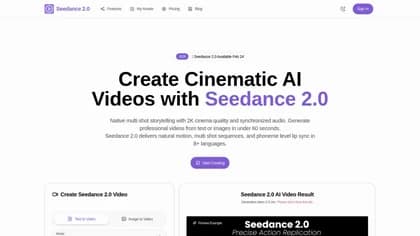
seedance2.com
Seedance2.com, brought to you by TopAI Tools, is a cutting-edge AI tool designed to generate high-quality dance videos based on simple text prompts. Key features include customizable...
Find AI tools for work, creativity and everyday tasks. Read what they do before you try them.
Seedance2.com, brought to you by TopAI Tools, is a cutting-edge AI tool designed to generate high-quality dance videos based on simple text prompts. Key features include customizable...
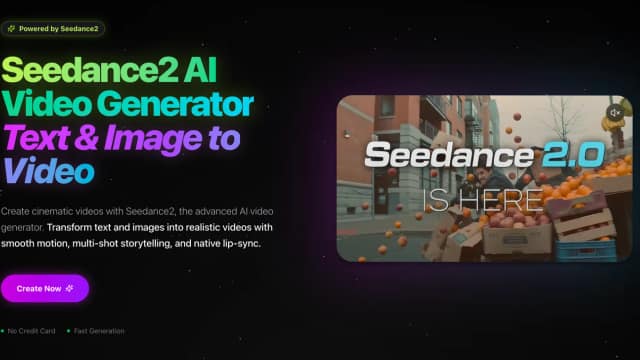
AI Seed Dance 2, a product of TopAI Tools, is a cutting-edge AI tool designed to generate animated dance videos from text prompts. This innovative platform allows users to describe a...

Lyria3.co, a product from TopAI Tools, provides a powerful AI-driven platform for various text-based tasks. Its key features include text generation, summarization, translation, and...

SYNTOPIA empowers users to craft dynamic, interactive AI avatars specifically designed for live streams. This innovative tool allows for real-time engagement with viewers through...

Embeddable empowers users to craft engaging interactive widgets and landing pages without requiring extensive coding knowledge. This user-friendly tool allows for the creation of...

LLMWise is a powerful platform designed to streamline and optimize the use of multiple Large Language Models (LLMs). This innovative tool allows users to compare the performance of...

SpeakType, an AI tool available through TopAI Tools, transforms spoken words into written text with remarkable accuracy. Its core functionality lies in its advanced speech-to-text...

Eler creates architectural renders using an uploaded model, selected camera angles, and visual style references, with ten free renders offered at signup.

AITextTune is a Windows text-editing assistant that works on selected text through a keyboard shortcut and requires an active Gemini API key.
Start with the job, not the brand. Pick a category, sort by newest to see recent launches, then open a tool page to read what it does, who it suits and where its official website is.
Sign in, choose Submit Tool, paste the tool’s official website, pick a category and add a sentence on what it does. Submitting is instant: it is saved straight away and appears in your submission history, where you can follow it through to its published page.
Yes. Founders and makers are welcome to submit their own tools. Link the official product page rather than a social post or app store listing, so readers land in the right place.
Some are free, many have a free plan, and some are paid only. Each tool page links to the official website, which has the current pricing, because plans and prices change often.
New tools are added every day. Sort by Newest first to see the latest additions, or follow the AI Tools RSS feed to get them as they are published.