
Description
I Built a Physical AI Chatbot in 5 Minutes (0 Coding) 👉 PURCHASE: https://www.aliexpress.com/item/1005008614513677.html
👉 Keep up to date with the latest AI News, AI Tools and Ai Prompts: https://franklineh.com
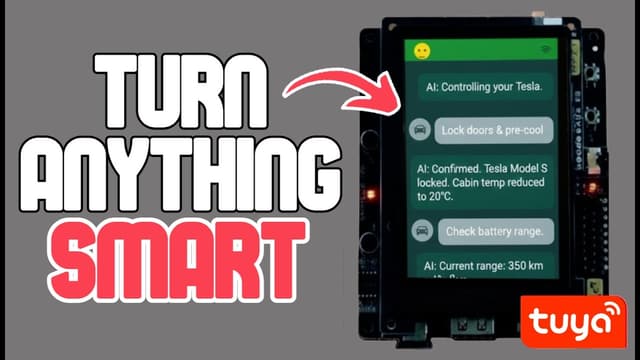
🔥 Join the newsletter free. No spam. Ever. The complete walkthrough is on youtube.com. Stop wasting time scrolling through endless AI tools and build your own physical desktop companion that actually talks back! In this video, we assemble the Tuya T5-AI board—a powerful Wi-Fi and Bluetooth-enabled development kit—and pair it with a touchscreen and speaker to create a custom AI chatbot from scratch. We leverage "vibe coding" with Google Antigravity and the Tuya Developer Platform to flash code and integrate the device into the Smart Life ecosystem without writing a single line of manual code. Whether you want a voice-activated desk assistant or a futuristic controller for your Tesla, you'll learn how to turn raw hardware into a fully functional AI product in minutes. By the end of this tutorial, you will have the exact roadmap to build, flash, and customize your own physical AI agent. ━━━━━━━━━━ 🔗 SHOW LINKS ━━━━━━━━━━
👉 PURCHASE: https://www.aliexpress.com/item/1005008614513677.html
👉 API: https://platform.tuya.com/
👉 Tuya Discord community invitation: https://discord.gg/yPPShSTttG
Primary source: youtube.com ↗