
Description
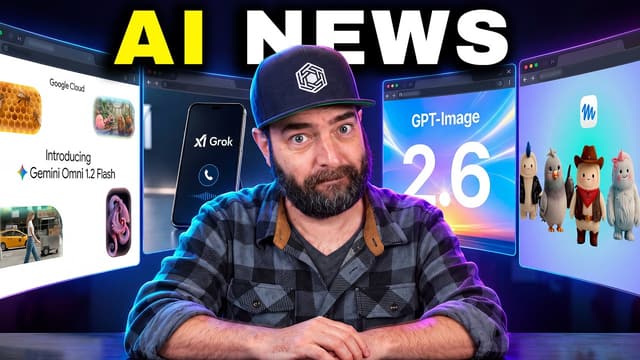
Matt Wolfe’s November 6 video opens with a ChatGPT animation demo, then moves through image and video tools before a faster roundup of other AI updates. The chapter list is the quickest way to pick out a particular workflow, whether you want to see an animated GIF edit or find a short video generation example.
How does the ChatGPT GIF demo work?
The animated GIF segment begins at 0:23. Wolfe asks ChatGPT for an animated GIF of a roller-skating monkey. In the editing segment he gives two concrete instructions, adding a baseball hat and moving the skating into the street. The example is useful for seeing how a follow-up edit changes details while keeping the original subject. He times a regular image separately, using a prompt for a sunset over the San Diego skyline. The timing is one run in his demo.
Where are the other image and video demos?
The Pruna PH3 Image segment starts at 2:17. It leads into a discussion of hardware requirements and a browser demo on Hugging Face at 4:05. Start at 6:11 for Gemini Omni 1.2 Flash. The Google Vids generation segment follows at 7:58, with an avatar video test at 8:28. Wolfe turns to Pika H3 Flex at 9:30 and shows its demo at 10:49.
Which parts are useful for creators?
The opening chapters suit someone deciding whether to try an image generation or video generation workflow. The GIF example makes a good starting point because the change request is specific enough to see what the edit did. The later roundup is broader, with a chapter on Kimi K3.1 Pro at 17:36. Use those later chapters to decide which announcements to look up, and use the demonstrations to choose a workflow to try with your own inputs.
Primary source: www.youtube.com ↗