
Description
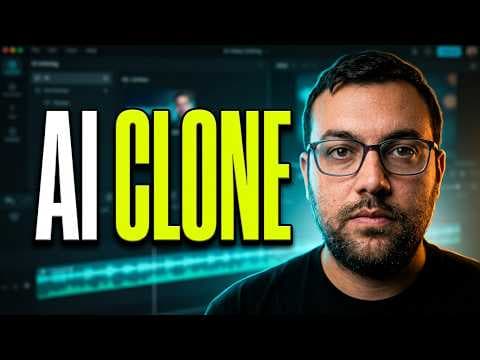
Franklin's VEED walkthrough covers AI avatar cloning, voice replication and text-to-video, followed by subtitles and editing. Use this guide to find the part relevant to your production task. The accompanying description calls the video a test and review; this written guide summarizes its supplied chapters rather than adding a separate hands-on verdict.
Start with avatar and voice setup
The avatar and voice-cloning chapter starts at 1:15. Begin there if your question is how the presenter sets up an AI representation before making a clip. The description identifies realistic avatar cloning and voice replication as subjects of the walkthrough, but it does not provide a complete account of the recording requirements or usage rights.
Before using a person's likeness or voice, establish that you have permission for the intended project. While watching, note which input the presenter supplies and which settings they change. Those observations will be more useful for your own setup than assuming the video's result applies to every recording.
Follow generation into editing
Text-to-video starts at 3:40, and auto subtitles and smart editing tools begin at 6:10. These chapters let you follow generation and editing as distinct production stages. A generated clip can still need decisions about wording and subtitle timing before publication.
For a focused viewing session, bring one short script or content brief. Compare the demonstrated sequence with the steps your project requires, then inspect whether its output meets your own requirements. The supplied description does not establish export specifications, plan allowances or a measured success rate.
Watch the verdict with the sponsorship disclosed
Final results and the verdict start at 9:30. The description discloses VEED sponsorship and says the creator's opinions are their own. That commercial relationship belongs alongside the review, rather than being omitted from a summary of it.
Treat the chapter markers as navigation aids. The description's promotional language does not guarantee that a video will go viral or that an avatar will match every source recording. Watch the relevant demonstration and final discussion before deciding whether the shown workflow suits your project.
Primary source: www.youtube.com ↗