
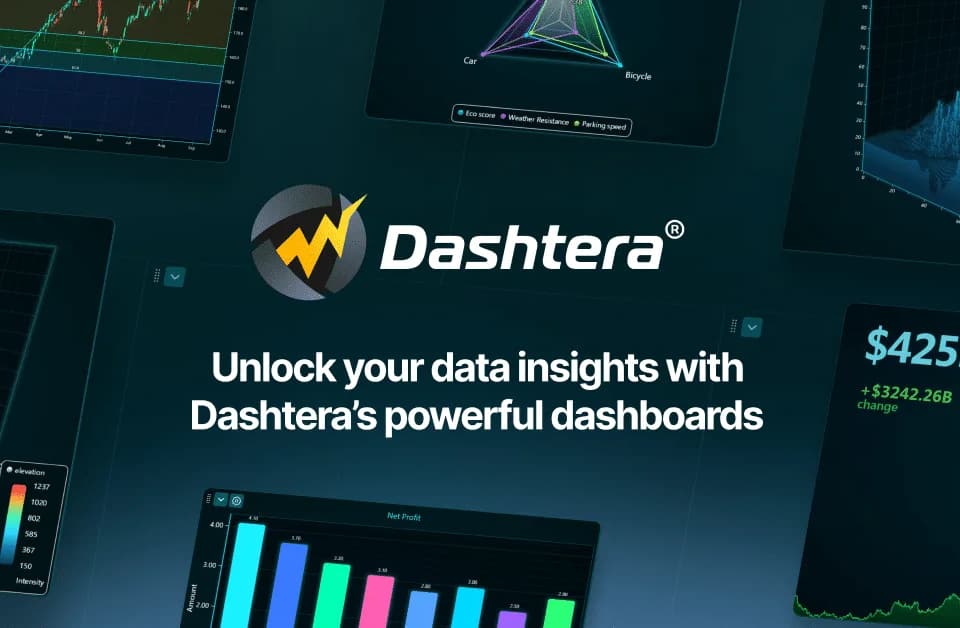
Dashtera
Dashtera is a no-code data visualization and dashboarding platform for turning imported or connected data into interactive charts, reports, and real-time dashboards. The Dashtera platform is aimed at business intelligence, engineering, science, finance, trading, and operational observability use cases.
What it does
Dashtera lets users import CSV, JSON, XML, Excel, and other text-based data, connect to SQL databases and streaming sources, or create datasets within the platform. Users can then assemble dashboards from interactive visualizations, analyze data in the editor, and share results through Viewer mode or publicly where appropriate. According to its Terms of Service, the service also supports map visualizations, image imports, reporting, and financial and market-analysis charts without live-trading functionality.
The platform is designed for users who need dashboards without writing code. Dashtera describes support for large datasets and real-time feeds, including use cases involving IoT sensors, industrial automation, telemetry, medical data, finance, and defense. Its deployment options include cloud, on-premises, and OEM arrangements, according to the publisher description.
Notable capabilities
- Import CSV, JSON, XML, and Excel files, or connect dashboards to SQL databases, streaming databases, and external services.
- Create interactive 2D, XY, 3D, engineering, scientific, polar, map, and financial-analysis visualizations, depending on the plan or add-ons.
- Build dashboards in a visual editor by selecting charts, dragging them into place, docking them, and resizing them automatically. The dashboard editor documentation also describes zooming, data-cursor inspection, and in-editor analysis.
- Share dashboards and reports through Viewer mode for internal audiences or publish suitable non-confidential dashboards externally.
- Add capabilities such as real-time streaming, maps, statistics, machine learning, and additional storage through listed add-ons.
Who it helps
Dashtera is intended for business intelligence teams, engineers, scientists, finance and trading users, and organizations monitoring operational or sensor data. It may fit teams that need a common dashboarding environment across departments rather than separate tools for reporting, scientific charting, and financial analysis.
How it fits a workflow
A typical workflow starts with importing files or connecting a data source, followed by arranging charts in a dashboard and using interactive inspection tools to explore trends or anomalies. Completed dashboards can be shared with colleagues or external audiences according to their sensitivity. This makes Dashtera more suited to recurring reporting, exploratory analysis, and live monitoring than to systems that require custom application development.
Strengths and limits
Dashtera’s documented strengths include no-code dashboard creation, multiple visualization categories, data-source connectivity, and support for sharing interactive results. The free Basic plan is limited to three charts per dashboard, 100 MB of storage, and 500 data points. Advanced chart types, unlimited data points, SQL queries, and larger storage allocations are available on paid plans, so teams should evaluate their required data volume and visualization types before selecting a plan. The platform’s financial charts are for analysis and do not provide live-trading functionality.