
Archfine turns architectural sketches and photos into concept renders
Archfine creates concept images from sketches, floor plans, model screenshots and photos. Its free plan includes three generation credits.
Archfine is a browser-based rendering tool for architects, interior designers and others who need a concept image. It takes sketches, screenshots, plans or photos as inputs and generates a visualization. The product site shows interiors, exteriors and landscapes.
What files does Archfine accept?
Archfine’s setup guide lists JPG and PNG files up to 20 MB. You can upload a hand sketch, a 3D model screenshot, a floor plan or a reference photo. The guide also lists section drawings and elevation views exported from CAD or BIM software. If you start in a design tool, the documented upload step is to give Archfine an image of the drawing.
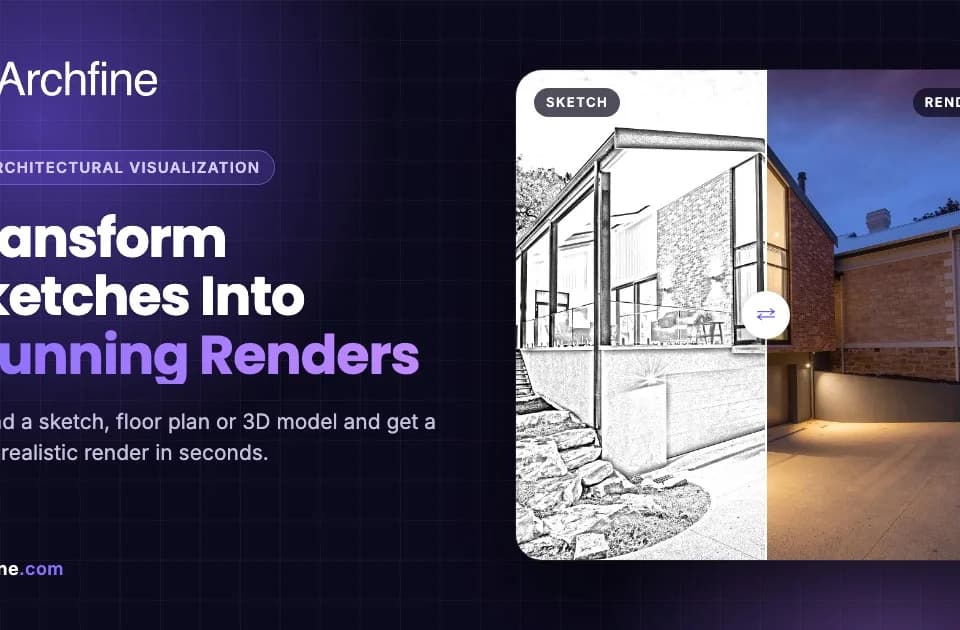
The site shows how an exterior sketch can become a rendered view and how a photo of an interior can be restyled. The resulting image helps communicate a look to someone who has only seen the original drawing or room. An architect who needs an exact representation can compare the render against the input before sharing it.
How do the render credits work?
The pricing page lists a free plan with three render credits. The publisher describes paid plans with a credit allowance that refreshes each billing cycle. Archfine advertises four-times upscaling on paid plans. A team can use the free allowance to see how the tool handles the kinds of source images it already works with.
What should a reader check before using a render?
Use the site’s examples to decide which kind of input best represents the change you want to show. A photograph supplies an existing view to restyle, while a sketch or model screenshot gives a different starting point for the visual. When sharing a generated rendering, verify the features that matter to the project against your source drawing. The upload guide and pricing page describe the image workflow and the options available to generate or export a concept.
Before you try it
Frequently asked questions
Which file formats can I upload to Archfine?
The setup guide lists JPG or PNG images up to 20 MB. Examples include hand sketches, model screenshots, floor plans and reference photos.
Official sourceHow many renders are available on the Archfine free plan?
Archfine’s pricing page lists three render credits for the free plan. Paid plans list separate recurring allowances.
Official sourceCan Archfine restyle a photo of an existing room?
Archfine lists interior photo restyling as a workflow. You can upload the room photo and describe the style you want to see.
Official source