

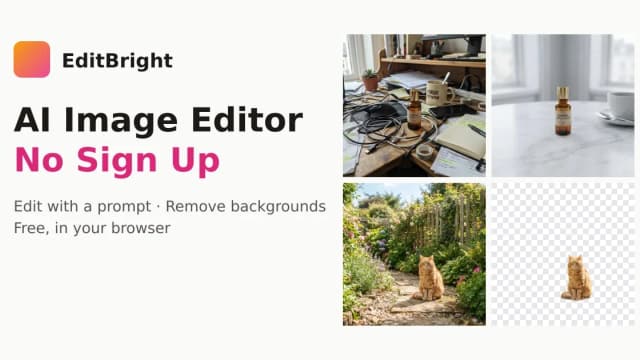
EditBright for editing images without an account
EditBright edits images from text and removes backgrounds in the browser. Free basic tools run without an account.
Text Photo AI adds captions to photos and can replace or remove existing lettering with AI. Captioning is free, while AI edits need sign-in and credits.
Text Photo AI is a browser editor for adding words to a photo or changing text already inside it. The official website separates free captioning from AI-powered text replacement and removal, which require sign-in and credits.
The publisher shows examples involving poster headlines, packaging promotions, menu corrections, signs and translated lettering. Its examples are saved demonstrations rather than live generations.
Free captioning adds a new text layer and exports a PNG. AI editing instead attempts to change lettering within the picture. The website warns that these edits can also alter nearby details, so the result needs a full-image check rather than only a spelling check.
Upload a JPG or PNG, choose whether to add, replace or remove text, and describe the requested change. The site advises specifying the exact words and preserving the desired layout, style and surrounding content in the request.
Franklin analysis: compare both the changed lettering and the parts that were supposed to remain untouched. For a sign or menu, inspect numbers, spacing and adjacent words before using the exported result. The page’s examples show the intended workflow, not a guarantee that every uploaded image will retain those details.
The pricing page lists a USD $4.99 one-time Mini Pack with 40 credits, covering up to ten homepage AI edits. Each homepage generation, including a revision, uses four credits. The publisher says purchased pack credits do not expire and existing results can be downloaded without an additional credit charge.
The homepage also advertises four trial credits valid for seven days. Larger packs and subscription options are listed, but a free caption does not consume an AI editing credit. Check the displayed cost before submitting, especially when a result may need several revisions.
EditBright’s browser image editor describes another browser image-editing workflow for comparison.
Before you try it
Yes. The homepage separates free text addition and PNG download from AI replacement or removal, which require sign-in and credits.
Official sourceYes. The pricing page says each homepage generation uses four credits, including revisions. Downloading an existing result does not add another credit cost.
Official sourceThe publisher warns that an AI edit can change nearby details. It recommends inspecting the full result, including the surrounding artwork and words.
Official sourceEditBright edits images from text and removes backgrounds in the browser. Free basic tools run without an account.