
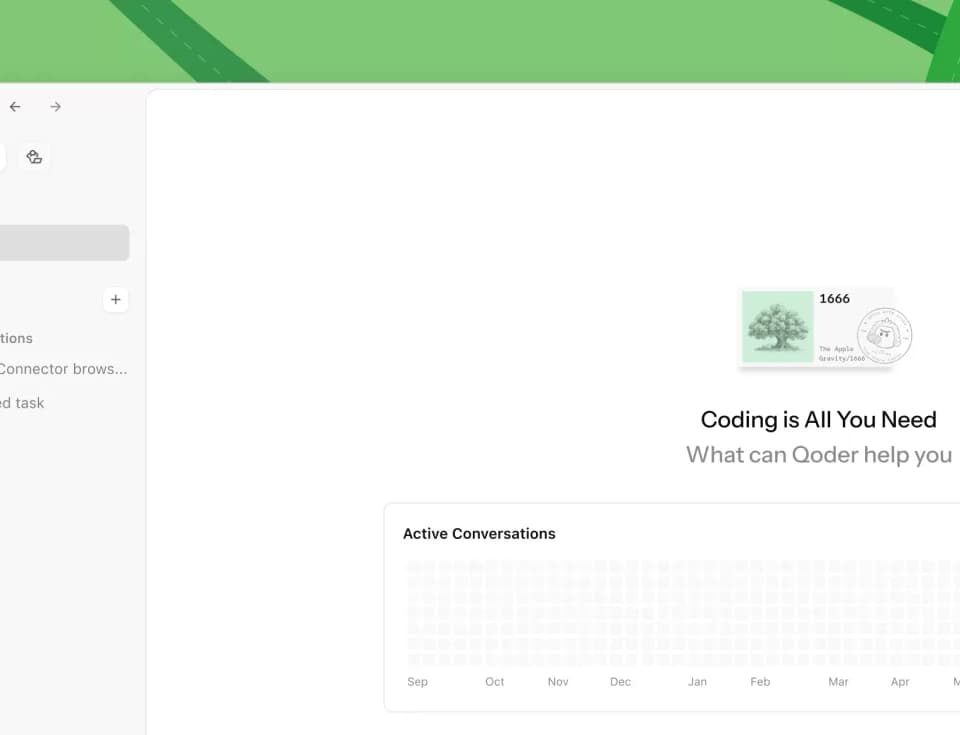
Qoder: AI coding agents for the desktop, IDE and terminal
Qoder offers a desktop app, its own IDE, a JetBrains plugin and a CLI for developers who want to use coding agents in their existing workflow.
What Qoder does
Qoder offers its own desktop app and IDE, plus a JetBrains plugin and a command-line client. The Qoder CLI lets you work from a terminal. The different clients give developers a choice about where to bring an agent into a project. See the Qoder product overview for the client lineup. The publisher also lists an Agent SDK and a managed Cloud Agents service for developers building agent capabilities into their own products.
Pick a client and try a small task
If you already work in a JetBrains IDE, start with the plugin. If you prefer to stay in a shell, start with the terminal client. If you want an editor from the same publisher, try Qoder IDE. Select your client and operating system on the official downloads page. Qoder says you can sign up using email, Google or GitHub.
For a first task, pick a change you can check in a few minutes. Give the agent one goal, the files or behavior it can change, and a test you can run yourself. Inspect the resulting diff and run that test before accepting the change. A small task makes it easier to judge the output and the effort it takes to review.
Pricing and usage limits
Qoder meters usage in credits and offers a free plan and paid subscriptions. Qoder says users can move to the free plan when the trial ends. Before using it for a large refactor or a recurring job, check the credit allowance for the plan you are considering. The publisher’s site links to its pricing page for plan details.
Where it fits
Qoder gives you ways to work in your editor, in the terminal, or through a separate client. If your priority is organizing several coding agents and reviewing their Git changes, Prometeu’s parallel-agent workspace is a related option for that workflow. For a team trial, give each developer the same small task and agree on how to review the resulting diffs.
Before you try it
Frequently asked questions
Can I use Qoder from the terminal?
Yes. Qoder publishes a dedicated CLI for terminal-based coding, with installation options on its official downloads page.
Official sourceDoes Qoder have a JetBrains plugin?
Yes. Qoder lists a JetBrains plugin alongside its own IDE and command-line client.
Official sourceWhat Linux architectures does the Qoder desktop download list?
Qoder lists x64, ARM64 and LoongArch64 builds for the desktop app on its downloads page.
Official sourceWhich accounts can I use to sign up for Qoder?
The publisher lists email, Google and GitHub as sign-up options.
Official source