

Alemia
Alemia is an AI data analytics platform that answers natural-language questions about uploaded or connected data and generates visualizations, insights, and PDF reports.
Find AI tools for work, creativity and everyday tasks. Read what they do before you try them.
Alemia is an AI data analytics platform that answers natural-language questions about uploaded or connected data and generates visualizations, insights, and PDF reports.

Docket records visual UI actions and uses adaptive or AI-driven steps for end-to-end testing. Its platform coverage and self-healing claims need verification against your actual...

Devlo is an AI-powered platform designed to streamline the entire full-stack development lifecycle. It empowers developers to write, review, test, and deploy code efficiently, all...

Daisy is a generative media application designed to empower users to visualize their ideas and bring their creative visions to life. This innovative tool allows you to generate images...

Yorph is a cutting-edge no-code platform that empowers users to conduct conversational data analysis and automate complex pipelines with the help of AI agents. Its intuitive interface...

Kento is a powerful AI tool designed to optimize your Large Language Model (LLM) usage by implementing semantic caching with just a single line of code. This innovative solution...

Wan2.2 is a groundbreaking, open-source AI model that revolutionizes video generation. This innovative tool allows users to create stunning videos from text prompts or existing images,...
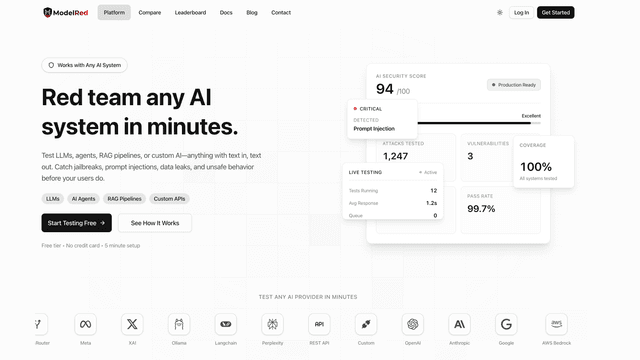
ModelRed is a cutting-edge AI security platform designed to proactively identify and mitigate vulnerabilities in large language models (LLMs). Utilizing over 10,000 evolving attack...
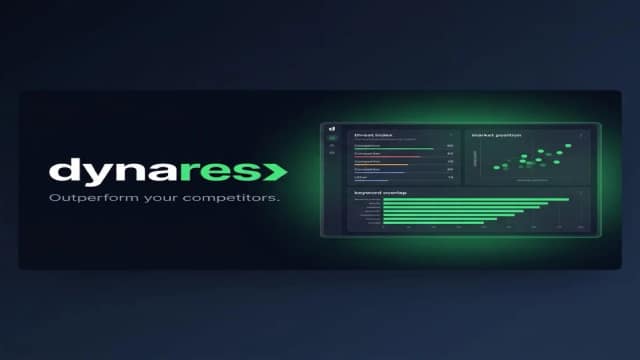
dynares connects keyword research, AI-generated landing pages, search-ad copy and Google Ads campaign publishing. Review controls and plan limits matter more than the site’s performance...
Start with the job, not the brand. Pick a category, sort by newest to see recent launches, then open a tool page to read what it does, who it suits and where its official website is.
Sign in, choose Submit Tool, paste the tool’s official website, pick a category and add a sentence on what it does. Submitting is instant: it is saved straight away and appears in your submission history, where you can follow it through to its published page.
Yes. Founders and makers are welcome to submit their own tools. Link the official product page rather than a social post or app store listing, so readers land in the right place.
Some are free, many have a free plan, and some are paid only. Each tool page links to the official website, which has the current pricing, because plans and prices change often.
New tools are added every day. Sort by Newest first to see the latest additions, or follow the AI Tools RSS feed to get them as they are published.