
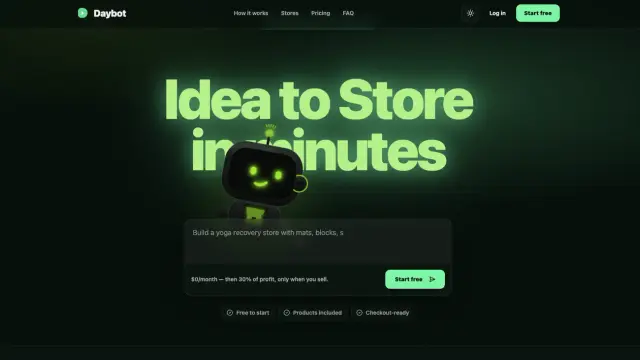
Daybot
Daybot builds ecommerce storefronts and supplier-backed catalogs from a prompt, with checkout and merchant operations; pricing includes a profit share.
Find AI tools for work, creativity and everyday tasks. Read what they do before you try them.
Daybot builds ecommerce storefronts and supplier-backed catalogs from a prompt, with checkout and merchant operations; pricing includes a profit share.
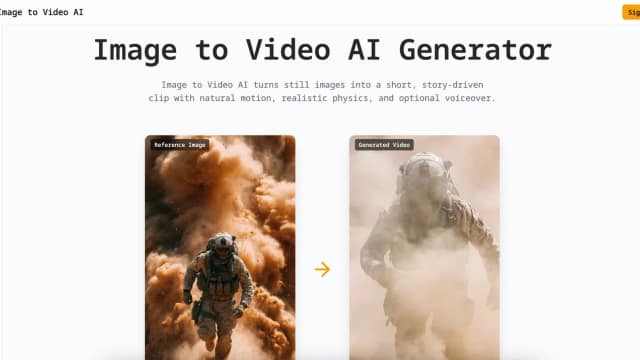
Image to Video AI turns reference images into short clips with model, motion, frame, and output controls; subscription credits are valid for one month.

HandOCR extracts editable text from images with batch and multilingual support, daily free quotas, and one-time credits for additional processing.
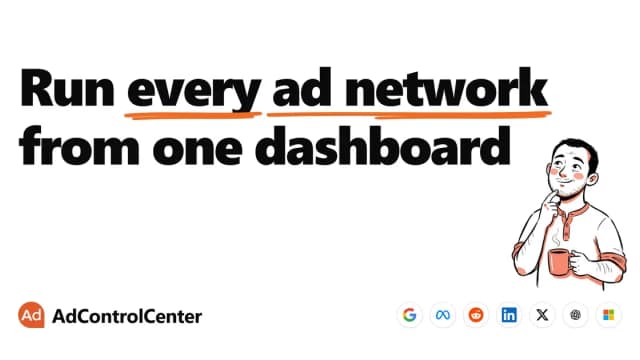
AdControlCenter drafts and manages campaigns across connected ad accounts, with paused deployment, configurable approval, and a monthly campaign allowance.
AI Remover erases baked-in video text through automatic detection or manual selection, reconstructing the selected background for preview and download.

StoreClaw connects store data with ecommerce skills for research, listings, advertising, and scheduled operations, using credits and configurable action permissions.

AdWorker provides product-photo and background-editing tools, including transparent GIF cleanup, white backgrounds, and ghost mannequin images.

omni-gemini.ai presents reference-guided video and conversational edits, with credit plans whose 1080p limits differ from the page's broader 4K claims.
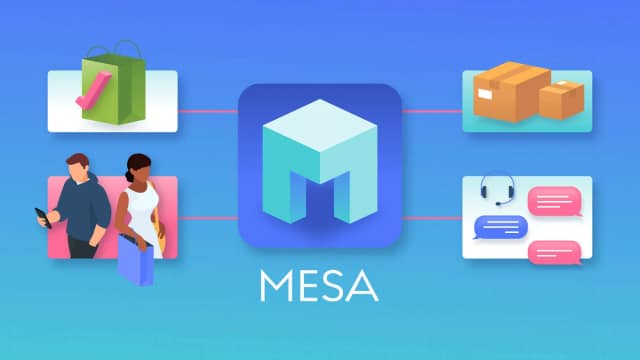
MESA builds Shopify automations from plain-language requests, connecting order events and conditions to actions in your store and other apps.
Start with the job, not the brand. Pick a category, sort by newest to see recent launches, then open a tool page to read what it does, who it suits and where its official website is.
Sign in, choose Submit Tool, paste the tool’s official website, pick a category and add a sentence on what it does. Submitting is instant: it is saved straight away and appears in your submission history, where you can follow it through to its published page.
Yes. Founders and makers are welcome to submit their own tools. Link the official product page rather than a social post or app store listing, so readers land in the right place.
Some are free, many have a free plan, and some are paid only. Each tool page links to the official website, which has the current pricing, because plans and prices change often.
New tools are added every day. Sort by Newest first to see the latest additions, or follow the AI Tools RSS feed to get them as they are published.