

AI Lawyer
Explore AI Lawyer for easy, quick, and budget-friendly legal help. Empowering consumers and lawyers with AI-driven solutions for all your legal needs.
Find AI tools for work, creativity and everyday tasks. Read what they do before you try them.
Explore AI Lawyer for easy, quick, and budget-friendly legal help. Empowering consumers and lawyers with AI-driven solutions for all your legal needs.

Receiptor collects receipts and invoices from connected inboxes and uploads, extracts accounting fields and prepares reviewed documents for export or configured Xero and QuickBooks...

Run your fintech operations on autopilot. Noesent’s multi-agent AI platform automates support, payments, and reconciliation — no manual work needed.
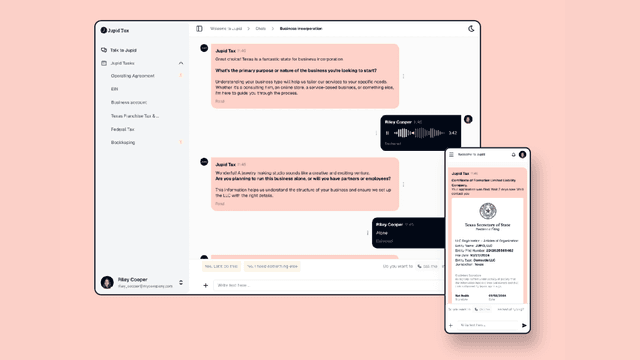
AI bookkeeping, transaction questions and Schedule C preparation for US freelancers and LLCs, with CPA review, government fees and active-user billing separated.

Peek helps iPhone users reflect on whether spending was worthwhile, then builds personal recaps and suggested plans. Its page does not explain bank connection coverage, data import or a...

ExpenseMonkey extracts receipt information and organizes team expense records, with approvals, reports, and plan-dependent integrations.

IdeaBuddy combines a business-model canvas, guided planning, AI writing assistance, and financial projections based on the assumptions you supply.

Masterkey Masterkey is an AI-powered platform designed to empower homebuyers with the knowledge and guidance they need to make informed decisions. By analyzing Zillow listings,...

PionexGPT PionexGPT is a powerful all-in-one platform designed to simplify and optimize cryptocurrency trading through the use of automated trading bots and advanced AI-driven...
Start with the job, not the brand. Pick a category, sort by newest to see recent launches, then open a tool page to read what it does, who it suits and where its official website is.
Sign in, choose Submit Tool, paste the tool’s official website, pick a category and add a sentence on what it does. Submitting is instant: it is saved straight away and appears in your submission history, where you can follow it through to its published page.
Yes. Founders and makers are welcome to submit their own tools. Link the official product page rather than a social post or app store listing, so readers land in the right place.
Some are free, many have a free plan, and some are paid only. Each tool page links to the official website, which has the current pricing, because plans and prices change often.
New tools are added every day. Sort by Newest first to see the latest additions, or follow the AI Tools RSS feed to get them as they are published.