

SuperIntern
SuperIntern drafts client emails and supports meeting and follow-up workflows. Its publisher says replies require your approval; the Starter allowance combines included and daily bonus...
Find AI tools for work, creativity and everyday tasks. Read what they do before you try them.
SuperIntern drafts client emails and supports meeting and follow-up workflows. Its publisher says replies require your approval; the Starter allowance combines included and daily bonus...

ImagetoImage is a prompt-based image transformation service. Users upload reference images and request restyling or edits; its credit purchases use Telegram Stars rather than a...

AI Couple Photo combines two separate portraits into a generated shared scene. Plans use credits, and both commercial use and uploads require appropriate rights and consent.

Evermore Bliss generates personalized wedding speeches, vows, and toasts from a guided questionnaire and provides editable Word documents.
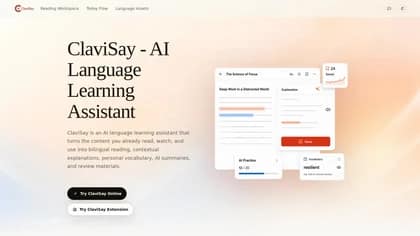
AI-powered reading and language-learning tool for studying Chinese with English support or English with Chinese support.

Slashy is an AI email client that drafts, summarizes, searches, and organizes email while supporting follow-ups, meetings, and calendar workflows.
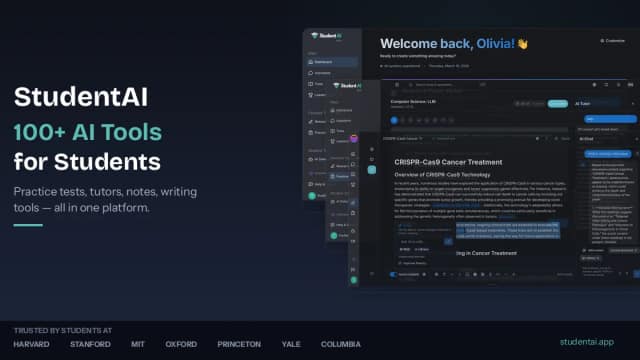
StudentAI is an AI-powered learning platform with study-material tools, practice-test and quiz generation, specialized tutors, and StudentAI Tutor mobile apps.

Bond describes a connected-work assistant for task triage, meeting briefs and follow-up drafts. Its individual plan is marked coming soon, with early access and enterprise enquiries...
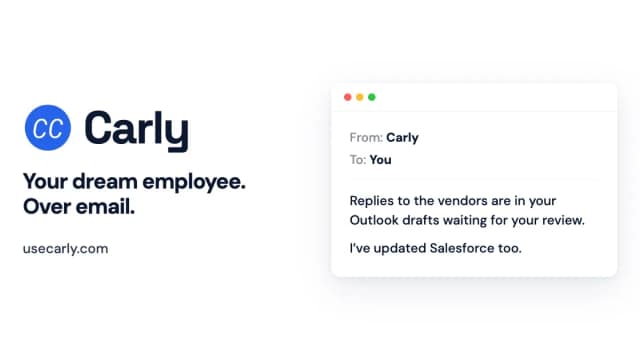
Carly lets users delegate scheduling and connected-app work through email and other channels, with configurable agents, permissions, and usage credits.
Start with the job, not the brand. Pick a category, sort by newest to see recent launches, then open a tool page to read what it does, who it suits and where its official website is.
Sign in, choose Submit Tool, paste the tool’s official website, pick a category and add a sentence on what it does. Submitting is instant: it is saved straight away and appears in your submission history, where you can follow it through to its published page.
Yes. Founders and makers are welcome to submit their own tools. Link the official product page rather than a social post or app store listing, so readers land in the right place.
Some are free, many have a free plan, and some are paid only. Each tool page links to the official website, which has the current pricing, because plans and prices change often.
New tools are added every day. Sort by Newest first to see the latest additions, or follow the AI Tools RSS feed to get them as they are published.