

Spark Robin
Spark Robin turns campaign briefs and reference images into short motion drafts for launch reviews before final production.
Find AI tools for work, creativity and everyday tasks. Read what they do before you try them.
Spark Robin turns campaign briefs and reference images into short motion drafts for launch reviews before final production.

onSpark combines AI partner matching, collaboration planning and a shared deal pipeline, with optional Google connections and a paid strategy-support plan.
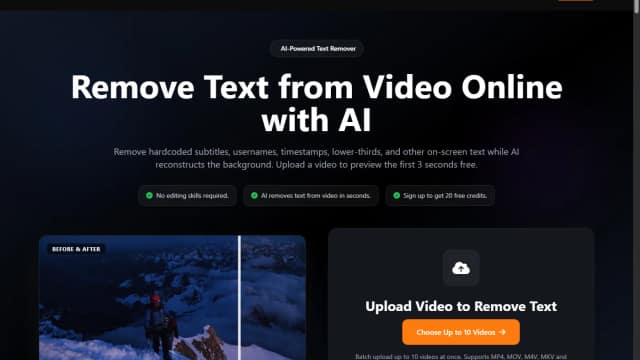
An online AI video tool that removes hardcoded subtitles, usernames, timestamps, lower-thirds, and other visible text with a three-second preview before full processing.

Veo4.co generates high-definition video content directly from text prompts or static images. By focusing on native 4K output, the tool enables creators and visual storytellers to...

Magnific is an advanced image upscaling and enhancement tool that adds intricate detail to existing visuals. By utilizing generative AI to intelligently hallucinate textures and...

PaioClaw hosts OpenClaw-based assistants with connected skills, activity logs and managed AI credits; free runtime and paid usage have different limits.
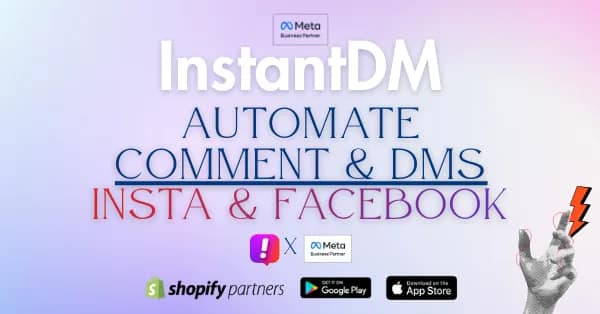
InstantDM builds Instagram comment-to-message and inbox flows, combining keyword triggers, rich responses, contact tagging and optional AI replies.
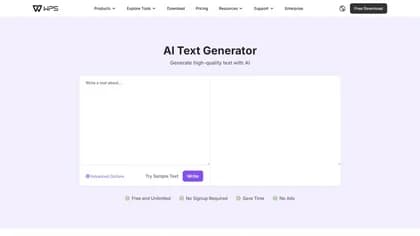
WPS AI Text Generator turns a short idea into a draft with output-length and reader-age settings. Review the result before copying it into work, study or everyday writing.
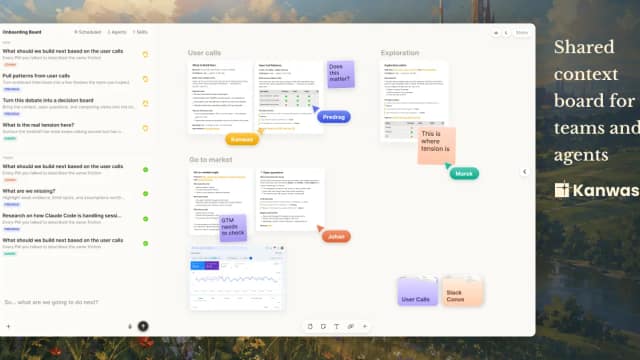
Kanwas brings product context, a collaborative canvas and an AI thinking partner into one workspace so teams can work from shared evidence and decisions.
Start with the job, not the brand. Pick a category, sort by newest to see recent launches, then open a tool page to read what it does, who it suits and where its official website is.
Sign in, choose Submit Tool, paste the tool’s official website, pick a category and add a sentence on what it does. Submitting is instant: it is saved straight away and appears in your submission history, where you can follow it through to its published page.
Yes. Founders and makers are welcome to submit their own tools. Link the official product page rather than a social post or app store listing, so readers land in the right place.
Some are free, many have a free plan, and some are paid only. Each tool page links to the official website, which has the current pricing, because plans and prices change often.
New tools are added every day. Sort by Newest first to see the latest additions, or follow the AI Tools RSS feed to get them as they are published.