

Arist
Inspired by Stanford research, Arist uses AI to create courses and instantly deliver employee training via Slack, MS Teams, SMS, and WhatsApp.
Find AI tools for work, creativity and everyday tasks. Read what they do before you try them.
Inspired by Stanford research, Arist uses AI to create courses and instantly deliver employee training via Slack, MS Teams, SMS, and WhatsApp.
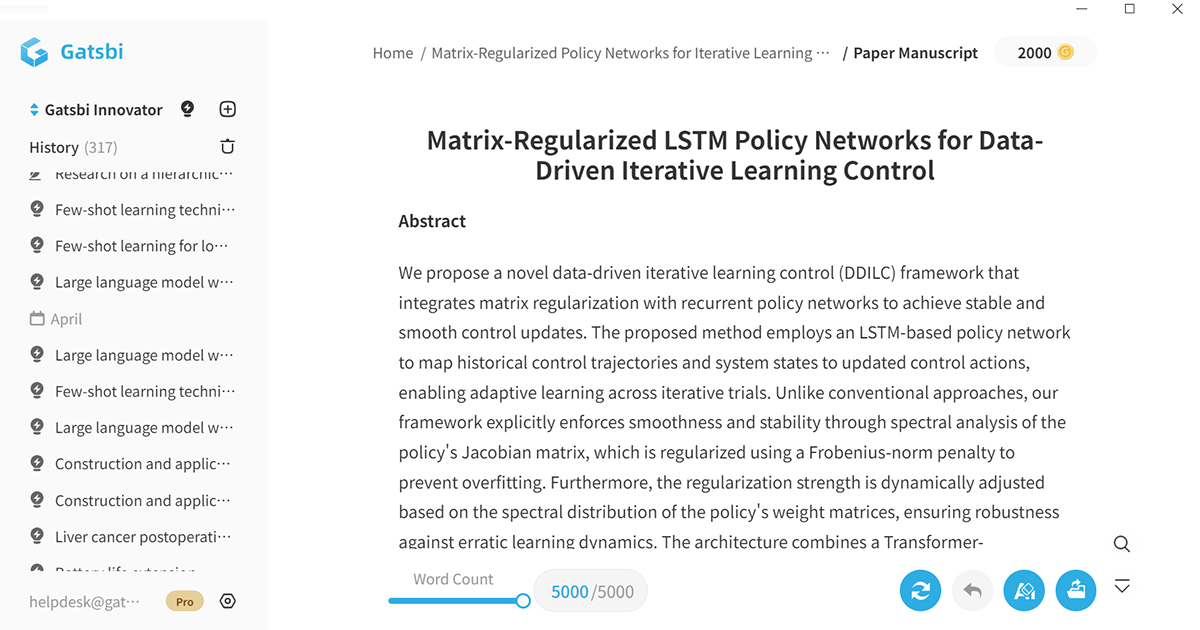
Gatsbi generates research ideas, drafts scientific papers, and performs systematic reviews and meta-analyses with accurate citations and clear visuals.

Transform and edit photos with AI chat prompts—remove objects, change colors, restyle scenes, and refine details in seconds. Browser-based, secure, and beginner-friendly with...

Discover ChatGPT Pulse: proactive daily briefings from OpenAI with curated research, connected apps, and personalized updates. Learn features, usage, comparisons, and FAQs.

Chrome Sidekick is your AI browser assistant. Automate tasks and bring AI superpowers to every page in Chrome.

ChatBetter explored routing questions across LLMs, grounding responses in source data, and using agents to judge and combine outputs.

An App that transcribes voice recordings into organized, searchable content with summaries and insights.

Write academic essays and research papers with AI that bypasses detection tools. FlashPaper.ai delivers best humanizer, citation rich content that reads naturally and scores high.
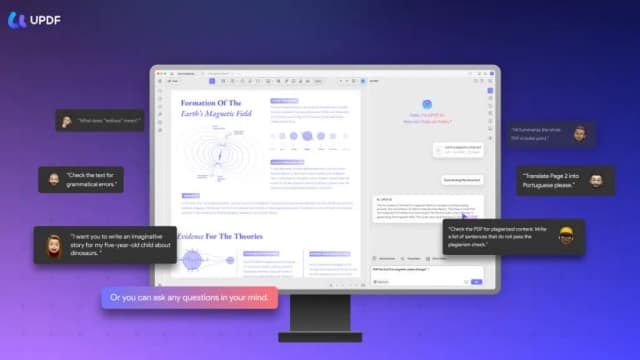
UPDF AI helps readers summarize, translate and question PDFs, search papers and build mind maps. Its app and browser offering share account allowances, while editing and signing...
Start with the job, not the brand. Pick a category, sort by newest to see recent launches, then open a tool page to read what it does, who it suits and where its official website is.
Sign in, choose Submit Tool, paste the tool’s official website, pick a category and add a sentence on what it does. Submitting is instant: it is saved straight away and appears in your submission history, where you can follow it through to its published page.
Yes. Founders and makers are welcome to submit their own tools. Link the official product page rather than a social post or app store listing, so readers land in the right place.
Some are free, many have a free plan, and some are paid only. Each tool page links to the official website, which has the current pricing, because plans and prices change often.
New tools are added every day. Sort by Newest first to see the latest additions, or follow the AI Tools RSS feed to get them as they are published.