

AKOOL AI Video, Avatar, and Translation Suite
AKOOL brings AI video generation, avatars, translation and visual transformations into one platform. Model access, licensing, credit usage and API eligibility differ by plan.
Find AI tools for work, creativity and everyday tasks. Read what they do before you try them.
AKOOL brings AI video generation, avatars, translation and visual transformations into one platform. Model access, licensing, credit usage and API eligibility differ by plan.

Wava AI offers text-story, split-screen, and narrated video workflows, with plan allowances for generation minutes and credits.

Pippit - Capcut: AI-Powered Video Creation Pippit is an AI-powered video generation tool designed to simplify and accelerate marketing video creation. It allows users to generate...

WANAI WANAI, developed by Alibaba Cloud, is a powerful video generation model that converts text inputs into engaging and visually appealing videos. This AI-driven tool simplifies video...
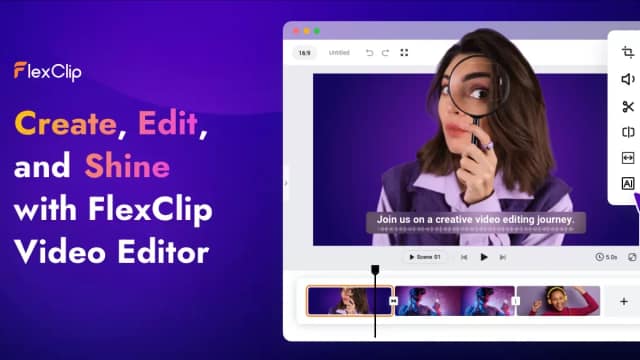
FlexClip combines browser-based video editing with AI scripts, voice generation, subtitles and translation. Templates and stock assets support short projects; export and AI allowances...

AI Video AI Video empowers users to create stunning, professional-quality videos simply by providing a text description. This innovative platform handles the entire production process,...

Pica AI Face Swapper Pica AI Face Swapper offers an effortless way to swap faces in both photos and videos. Utilizing advanced algorithms, it achieves incredibly precise matches and...

Jumper helps video editors search footage by visual descriptions, speech and people, then use results in their editing software. Visual analysis runs on-device; higher-tier agentic and...

Google Veo creates videos with realistic motion and high quality output, up to 4K. Explore different styles and find your own with extensive camera controls.Veo 2 is able to faithfully...
Start with the job, not the brand. Pick a category, sort by newest to see recent launches, then open a tool page to read what it does, who it suits and where its official website is.
Sign in, choose Submit Tool, paste the tool’s official website, pick a category and add a sentence on what it does. Submitting is instant: it is saved straight away and appears in your submission history, where you can follow it through to its published page.
Yes. Founders and makers are welcome to submit their own tools. Link the official product page rather than a social post or app store listing, so readers land in the right place.
Some are free, many have a free plan, and some are paid only. Each tool page links to the official website, which has the current pricing, because plans and prices change often.
New tools are added every day. Sort by Newest first to see the latest additions, or follow the AI Tools RSS feed to get them as they are published.