

Infograph.app
Infograph.app creates prompt-led infographics and diagrams, with reference images, design edits and credit-based export plans.
Find AI tools for work, creativity and everyday tasks. Read what they do before you try them.
Infograph.app creates prompt-led infographics and diagrams, with reference images, design edits and credit-based export plans.

Everdone provides code documentation, review, security and performance analysis, plus test-case generation from requirements. Teams can track findings and request re-review; usage units...

Touchpoint builds branded email templates through an AI chat and visual edits, then transfers them to its parent platform Textmagic for sending. Confirm campaign access and pricing...
CoSupport AI uses a team's knowledge base and ticket history for automated support and human-agent reply assistance inside existing helpdesks.
YouWare uses AI agents to research, analyze, write, design, and review business reports, presentations, and spreadsheets from requests and uploaded files.
Sovibe's #1 Nano Banana Pro AI Image Generator & Editor is a powerful and free tool for creating high-quality 4K visuals. This platform excels at generating images from text prompts,...
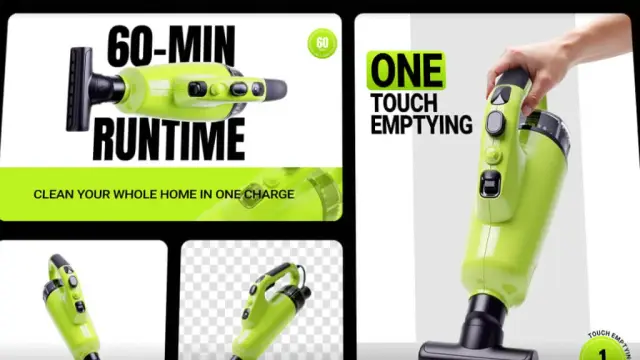
insMind AI Agent generates and edits images, videos, 3D models, and marketing designs through natural-language prompts and conversational refinement.
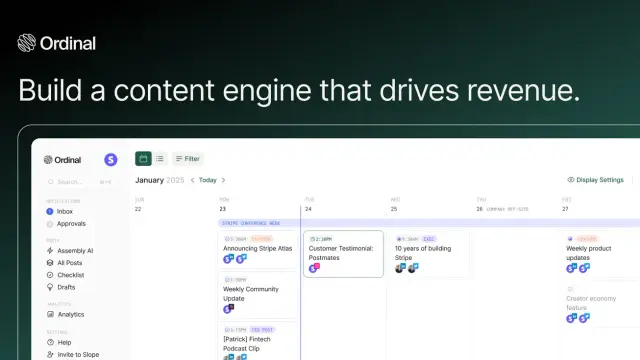
Ordinal helps teams draft, plan, approve and schedule social posts, with engagement coordination and reporting across channels.
Rewnue evaluates website readiness for AI-generated answers and tracks whether a business appears in recommendation-style queries. Its scores are product metrics, not search-volume data...
Shopping for software? Browse seasonal AI tool deals and check each seller’s offer terms.
Start with the job, not the brand. Pick a category, sort by newest to see recent launches, then open a tool page to read what it does, who it suits and where its official website is.
Sign in, choose Submit Tool, paste the tool’s official website, pick a category and add a sentence on what it does. Submitting is instant: it is saved straight away and appears in your submission history, where you can follow it through to its published page.
Yes. Founders and makers are welcome to submit their own tools. Link the official product page rather than a social post or app store listing, so readers land in the right place.
Some are free, many have a free plan, and some are paid only. Each tool page links to the official website, which has the current pricing, because plans and prices change often.
New tools are added every day. Sort by Newest first to see the latest additions, or follow the AI Tools RSS feed to get them as they are published.