

OutfitAI
Photo-based outfit visualizations for style exploration, with bounded one-time image packs and no claim of exact garment fit.
Find AI tools for work, creativity and everyday tasks. Read what they do before you try them.
Photo-based outfit visualizations for style exploration, with bounded one-time image packs and no claim of exact garment fit.

i10X combines model access, custom agents, workflow automation and media generation in a shared AI workspace. Integrations and retained context need deliberate permissions; complete...

Blobfish AI offers voice role-play for contact-center training, with customizable scenarios and immediate feedback after practice conversations.
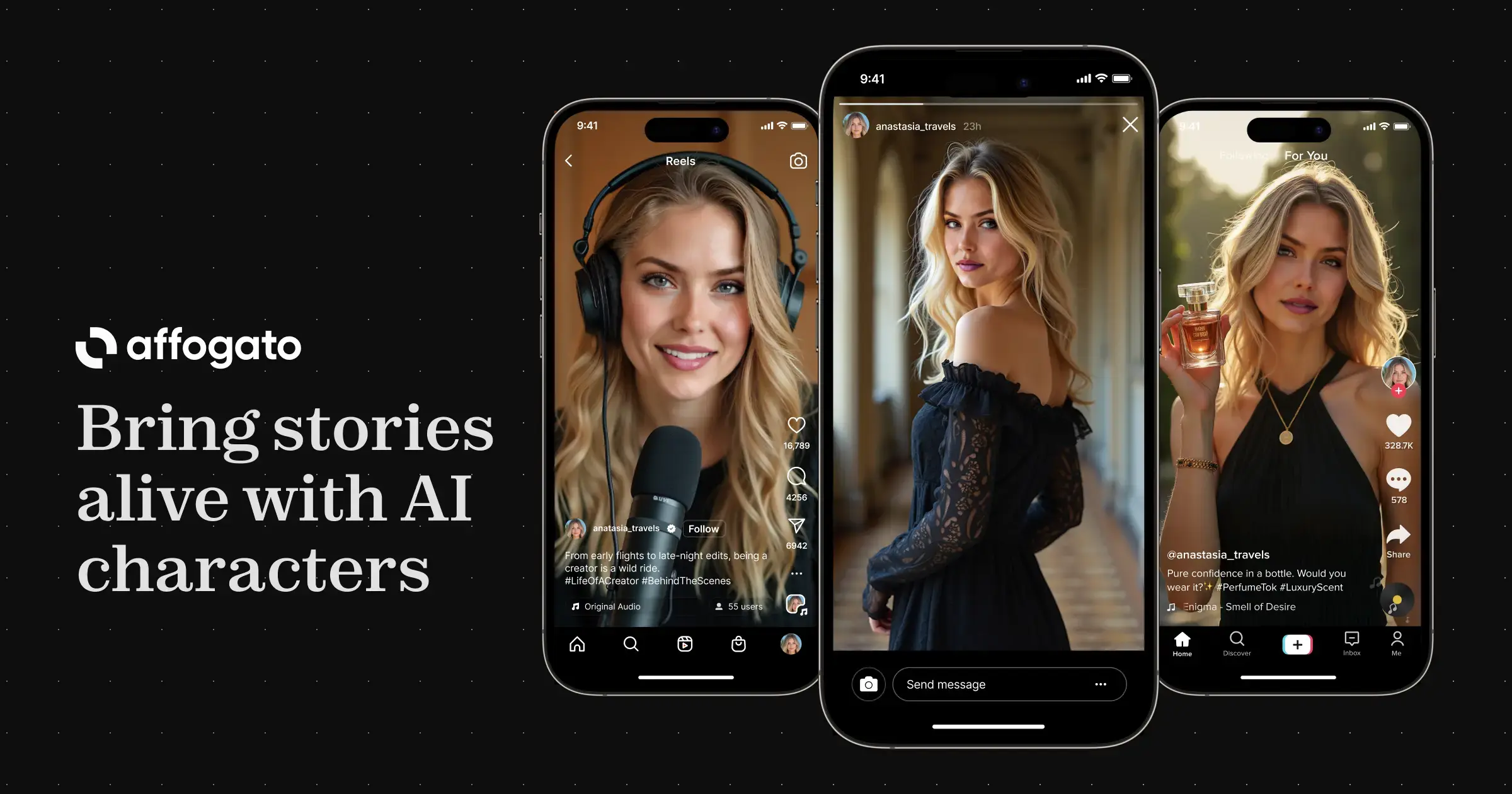
Affogato AI: Bring Your Stories to Life Affogato AI (formerly RenderNet AI) empowers users to create captivating AI-generated images and videos featuring custom-designed virtual humans....

Airweave is a shared context-retrieval layer for AI agents and RAG applications. Developers connect data sources to searchable collections, sync their information and query it through a...

GenTube: Unleash Your Creativity in Seconds GenTube is a lightning-fast AI art generator that transforms your ideas into stunning visuals within seconds. This user-friendly tool allows...

Classmate: Your AI-Powered Study Companion Classmate is an AI-powered tool designed to assist students with their homework and studies. It functions primarily as a Chrome extension,...
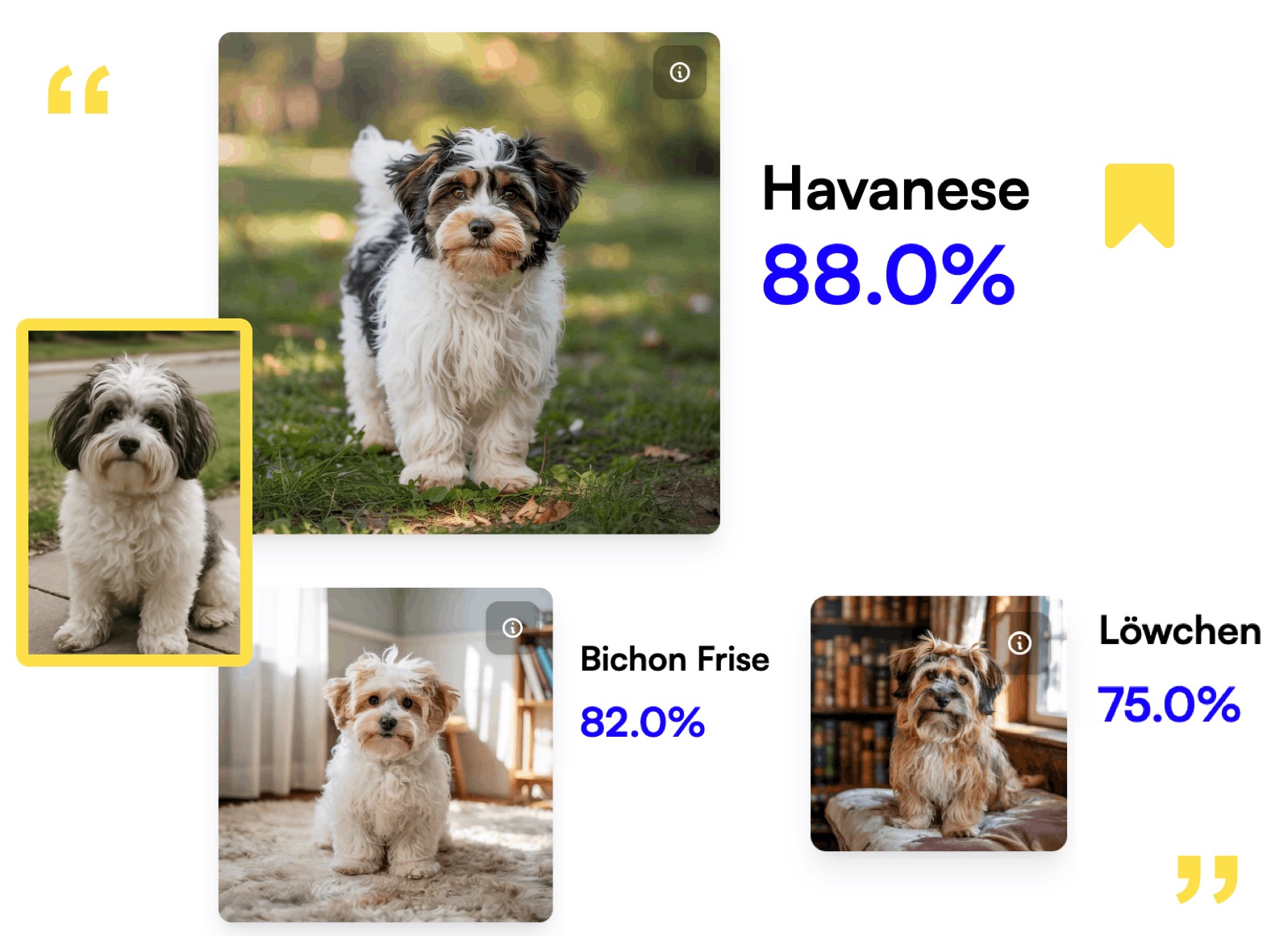
AI Dog Breed Identifier - Breed.dog Uncover Your Dog's Breed with AI Breed.dog is a free, user-friendly AI tool designed to identify your dog's breed accurately and efficiently. Simply...

Girl Cool Anime Wallpaper uses text prompts, styles, and aspect ratios to create downloadable anime girl wallpapers for mobile and desktop devices.
Shopping for software? Browse seasonal AI tool deals and check each seller’s offer terms.
Start with the job, not the brand. Pick a category, sort by newest to see recent launches, then open a tool page to read what it does, who it suits and where its official website is.
Sign in, choose Submit Tool, paste the tool’s official website, pick a category and add a sentence on what it does. Submitting is instant: it is saved straight away and appears in your submission history, where you can follow it through to its published page.
Yes. Founders and makers are welcome to submit their own tools. Link the official product page rather than a social post or app store listing, so readers land in the right place.
Some are free, many have a free plan, and some are paid only. Each tool page links to the official website, which has the current pricing, because plans and prices change often.
New tools are added every day. Sort by Newest first to see the latest additions, or follow the AI Tools RSS feed to get them as they are published.