
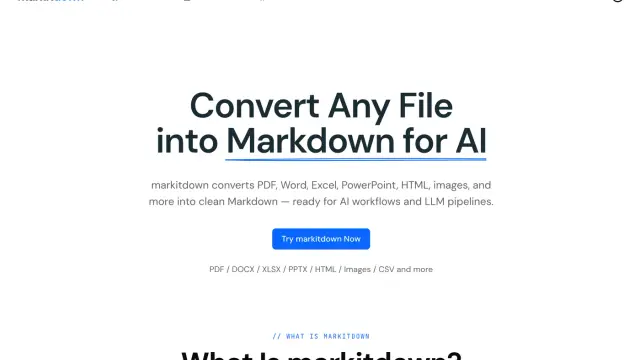
MarkItDown converts documents into inspectable Markdown
MarkItDown's web converter offers local, server and OCR paths for turning documents, tables, images and public URLs into Markdown.
Find AI tools for work, creativity and everyday tasks. Read what they do before you try them.
MarkItDown's web converter offers local, server and OCR paths for turning documents, tables, images and public URLs into Markdown.

LevelShaper creates Roblox starter games from written prompts, with browser previews and downloadable Studio projects. Its first-game offer includes 60 credits without a credit card.

SynthPulse combines AI music, image and video generation in one studio. Its song-to-film workflow connects generated tracks to visual scenes, with shared credits and model-specific...

ScholarSail combines document libraries, editable mind maps, AI-assisted flashcards, spaced-repetition review and collaborative study planning in one workspace.

ML.ai is a repository-aware coding agent with task routing, reviewable edits, background sessions, and project skills; its official pages give conflicting availability and pricing details.

YouArt combines a creative agent, image and video models, and an editable production workspace. Its credit rules and team controls matter as much as the headline model list when...

WZRD creates slides, forms, sheets and documents from an idea, or turns an existing file into an interactive experience that people can explore and question.

Hotel Lobby AI turns portraits of two people into a generated rap-duo video, with a choice of stage and an optional topic for the performance.
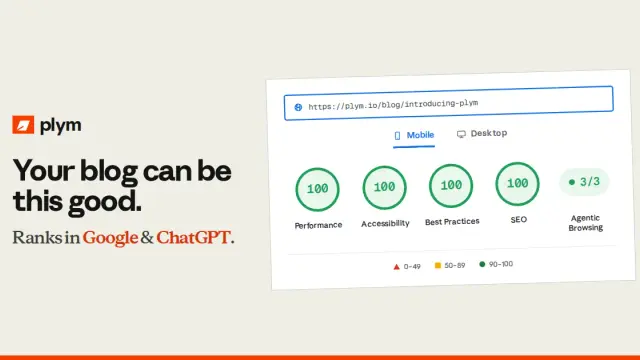
plym is a hosted blogging platform with pre-rendered HTML and Markdown, technical SEO files, team publishing tools and optional API or MCP access.
Shopping for software? Browse seasonal AI tool deals and check each seller’s offer terms.
Start with the job, not the brand. Pick a category, sort by newest to see recent launches, then open a tool page to read what it does, who it suits and where its official website is.
Sign in, choose Submit Tool, paste the tool’s official website, pick a category and add a sentence on what it does. Submitting is instant: it is saved straight away and appears in your submission history, where you can follow it through to its published page.
Yes. Founders and makers are welcome to submit their own tools. Link the official product page rather than a social post or app store listing, so readers land in the right place.
Some are free, many have a free plan, and some are paid only. Each tool page links to the official website, which has the current pricing, because plans and prices change often.
New tools are added every day. Sort by Newest first to see the latest additions, or follow the AI Tools RSS feed to get them as they are published.