
PosterMyWall
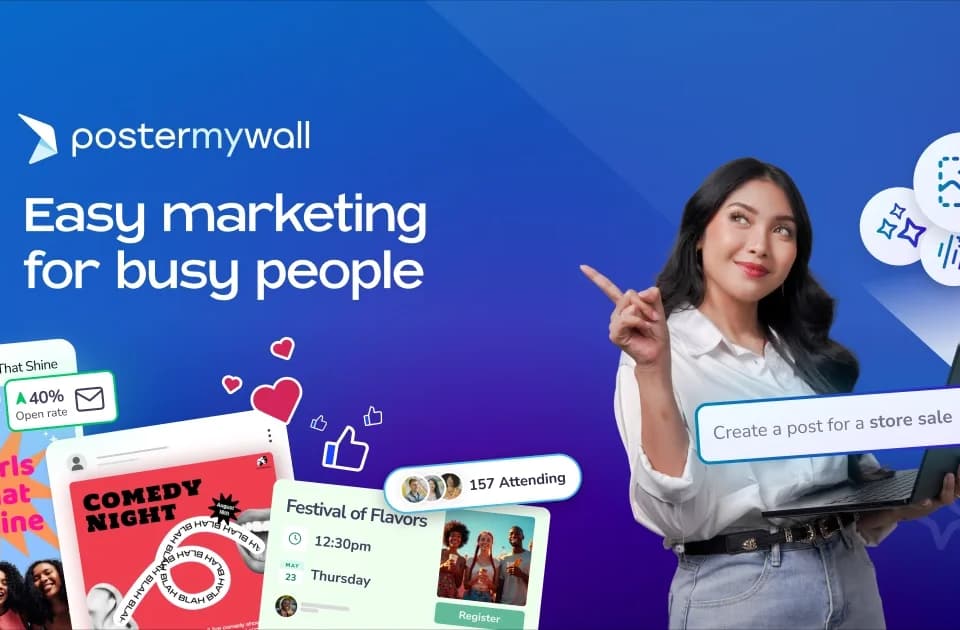
PosterMyWall combines design creation with the distribution work around a campaign. Small businesses can adapt a template or use an AI prompt, then prepare social posts, email messages and event material in the same service. Its Content Planner puts those scheduled activities on a calendar.
Keep the design and campaign details together
The template library covers flyers, restaurant promotions, social formats and event designs. AI tools add image generation, background removal, writing assistance, voiceovers and subtitles. Use those tools for the part of a design that needs changing, then check the final message, price and date before publishing.
Brand Kits store colors, fonts and logos for later work. That can help a small team keep campaign assets consistent without rebuilding the design choices each time. Review the resulting layout at its actual delivery size: a flyer and a phone-sized post may need different amounts of text.
The publisher lists restaurants, bands, schools, nonprofits and other local organizations among its customers. Those examples explain its focus on recurring promotions; they do not establish that a template will improve sales or event attendance.
Publish through the channel you intend to use
The product overview lists direct publishing to Facebook, Instagram, TikTok, X, YouTube Shorts, Threads, LinkedIn, Pinterest and Google Business Profile. Check the connected account and supported post format before scheduling a campaign.
Event pages provide a shareable destination and RSVP tracking, while an embeddable calendar can display events on a website. The service also describes ticketing with QR tickets and check-in tools. Confirm the event details and applicable ticketing terms before taking registrations or payments.
Email features include campaign creation, list management and performance tracking. Preview an email on the intended devices and verify its destination links. A shared calendar helps with timing, but it does not replace checking each channel's final asset.
Compare free access with the paid features you need
The homepage displays a free plan, Premium at $19 per month or $149 per year, and Premium+ at $42 per month or $448 per year. The annual totals describe a different billing commitment from month-to-month access.
The inspected overview does not specify every AI allowance, download restriction or email limit. Check those plan details against your campaign volume before upgrading. The site also advertises team discounts with different percentage figures on its pages, so confirm the current seat quote rather than assuming one headline applies to every team size.
Try a complete small campaign first: create the asset, schedule the correct channel version and inspect the published result. That checks the work you need the service to handle.