
Free AI Diagram Generator
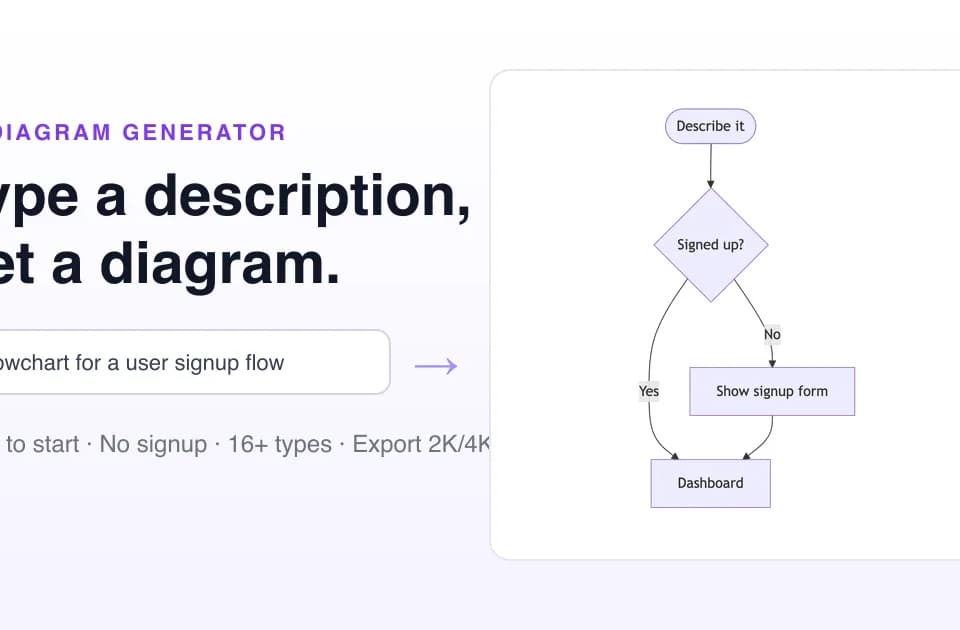
Free AI Diagram Generator turns written descriptions, notes, or files into structured diagrams and presentation-ready visuals. The vendor says its agent can research current information, plan a layout, and render a diagram in under a minute, while also producing editable Mermaid code for documentation and version control.
What it does
Users describe a topic, process, market, system, or data flow in natural language. The tool can generate more than 16 diagram types, including flowcharts, sequence diagrams, class diagrams, state diagrams, Gantt charts, timelines, mind maps, network diagrams, ER diagrams, UML diagrams, Venn diagrams, Sankey diagrams, AWS architecture diagrams, Lewis structures, organization charts, quadrant charts, and funnel diagrams.
The workflow supports two output modes. Logic Mode produces editable Mermaid or text/ASCII diagrams, while Pro Mode renders image-based diagrams in selected resolutions. The site lists exports in Mermaid, Markdown, SVG, PNG, and PDF, with image output available from 1K to 4K depending on the plan. Users can continue refining a diagram through chat, including requests to change colors, add relationships, update content, or apply a different visual style.
Notable capabilities
- Web-grounded diagrams: The vendor says the agent can search for fresh information and use it to create visuals such as current supply-chain or infrastructure maps.
- Multiple visual styles: More than 10 styles are listed, including Corporate Clean, Modern Tech, Editorial, Blueprint, Hand-Drawn, 3D Isometric, Academic, and Cyberpunk.
- Editable diagram output: Mermaid exports can be edited in code, placed in documentation, or versioned in Git.
- Conversational refinement: Natural-language instructions can adjust structure, styling, labels, and relationships without using a separate design panel.
- Free starting tier: The Developer plan is listed at $0 and includes five one-time credits, all listed diagram types and styles, Logic Mode, and up to 2K Pro Mode output. The vendor's pricing page says free Pro Mode exports include a watermark and use a public gallery.
Who it helps
The tool is suited to engineers, product teams, analysts, educators, and business users who need to turn a written explanation into a process map, architecture visual, relationship model, timeline, or presentation graphic. It can also fit teams that want both a polished image for slides and editable Mermaid for technical documentation.
How it fits a workflow
A typical workflow starts with a prompt, pasted notes, or a file. The agent selects or generates a diagram structure, optionally researches supporting facts, and renders the result. Users can then refine the output conversationally or switch between Mermaid and rendered-image modes. This text-to-structured-diagram approach is similar to AI Diagram Maker, which also focuses on conversational generation and refinement, but that tool is described as using D2 code for software and architecture diagrams rather than Mermaid.
Strengths and limits
Its main strengths are broad diagram coverage, editable Mermaid output, style selection, and a free entry plan without a stated credit-card requirement. The free plan is limited to five one-time credits, 2K maximum resolution, a watermark on Pro Mode exports, and public gallery visibility. Higher-resolution 4K generation and private galleries require paid plans, and the vendor prices usage through credits rather than presenting unlimited generation.