
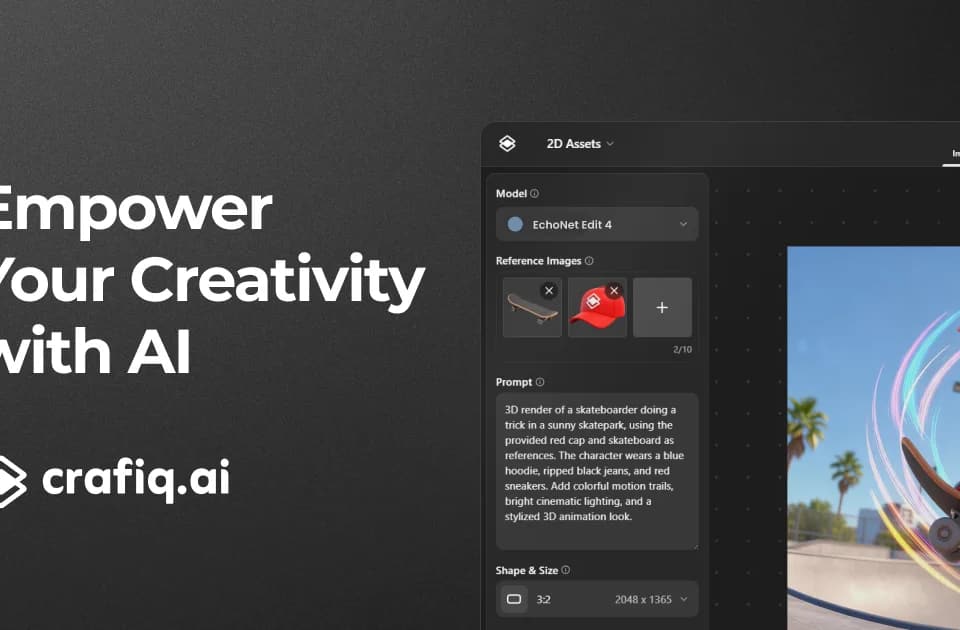
Crafiq AI Studio
Crafiq is a multi-model creative studio for images, 3D assets, video and audio. Its workflow extends beyond a new generation: users can edit images, refine meshes and organize assets into packs. Model names on the site are the platform's availability claims, not proof of affiliation with their developers or equal quality across outputs.
Refine an asset for its destination
The features page describes prompt-based editing, masked inpainting and outpainting, reference images and pose, edge or depth controls. It also lists pixel-art palettes, tile projections and SVG generation. These controls address different problems; a seamless texture needs a tiling check, while an icon needs clean paths and readable detail at small sizes.
For 3D work, the site describes text, single-image and multi-view inputs. Triangle or quad limits, remeshing and retexturing help adjust a generated asset after the first pass. PBR textures and automatic rigging are advertised, but production-ready language does not establish that a mesh will meet your engine's performance or animation requirements.
Inspect topology, texture alignment and deformation in the destination application. The captured page asks about export formats but does not provide the answer, so verify that format before committing to a workflow.
Check which media features are available
Crafiq advertises short video with image or audio conditioning, start/end-frame guidance and output up to QHD. Audio tools cover sound effects, music and multi-speaker narration. Voice cloning requires permission from the person whose recording supplies the reference.
Availability descriptions differ. The homepage marks 2D animations coming soon, while broader feature descriptions cover a large collection of creative workflows. Check the actual tool screen rather than assuming every named capability is included and ready on your plan.
The standard upscaler and creative upscaler also have different implications: creative mode synthesizes detail. Review logos and product markings instead of assuming a larger image remains factually faithful.
Budget by the chosen model
The pricing page describes a free allowance of five credits per day with an additional fifteen-credit monthly limit, and one generation at a time. Confirm how those limits interact in your account.
Basic is $10 per month with 200 credits, and Pro is $30 with 600. Both advertise concurrency up to twelve 2D tasks or three 3D/audio tasks. Output-count examples vary by model, so they are alternatives for the same balance rather than counts to add together.
One-time packs list 45 credits for $3 and 360 for $24, with purchased credits valid for two years. Plans advertise private generation and commercial use, but review the applicable terms and uploaded-asset permissions before client delivery. A small test pack can reveal the actual credit cost and export quality for your required asset type.