DocstoAudio

Tool snapshot
Best fitDesign · Audio and Voice · Research
In one lineDocsToAudio converts selected document sections into MP3 files or a chapter-marked M4B audiobook, with an explicit warning about third-party speech processing.

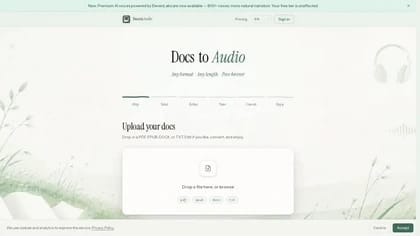
DocsToAudio is a document-to-audio service for reports, ebooks and study material. Its homepage describes uploading a file, selecting the sections you want and turning the text into downloadable speech. It supports PDF, EPUB, DOCX and TXT input, with MP3 or M4B output.

Select and clean the text before conversion

The service lets you choose pages or chapters rather than convert an entire document. Its workflow includes reviewing the extracted text and removing headers, page numbers or references you do not want read aloud. That step matters for a report whose printed layout contains material that interrupts a spoken explanation.

Compare the extracted text with the original before generating audio. Check the reading order and any passage where a table or footnote changes the meaning. Do not assume that an audio conversion will preserve the layout or explain a diagram that the listener cannot see. For study use, keep the source document available beside the recording.

Preview the voice and choose an output

DocsToAudio describes choosing a voice and previewing a sample before committing to conversion. Listen to names and technical terms in that sample, then adjust the selected text if a heading or reference produces a distracting passage.

The publisher offers a ZIP containing individual MP3 files or a single M4B audiobook with chapter marks. Choose the format your intended player supports and test a downloaded result before converting a longer work. Chapter navigation may help with a report you plan to revisit, while separate files can suit listening to only a few sections. Those are workflow choices rather than a guarantee about a particular player.

Avoid uploading confidential documents

The upload screen warns that text is sent to third-party speech services and tells users to avoid sensitive documents. Review the linked privacy policy and terms before submitting an internal report or personal information. A document you can open locally may still be inappropriate to send to another service.

The homepage advertises free online conversion but does not explain a complete allowance or pricing schedule. Check current length limits and any charge before starting a large job. Use documents you have permission to process, and keep the original text so the spoken version remains traceable to its source.