

Leonardo.Ai
Leonardo.Ai offers prompt-led image creation, video motion tools, image and video editing, and resolution enhancement for visual projects.
Quady3D brings several 3D model families into a browser workflow with preview, export and preparation guidance.
Quady3D brings several 3D-generation models into one browser workspace. Choose the input and required export first, then compare geometry and cleanup needs using the same reference.
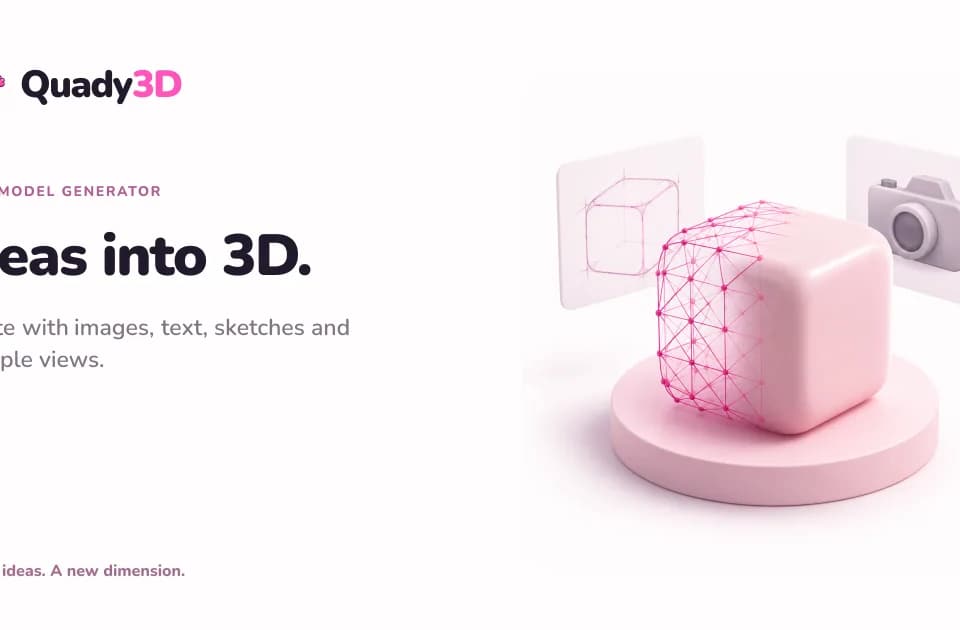
Quady3D generates 3D models from images, written prompts, sketches and multiple views of an object. Its browser workspace lets a user choose a model and settings, generate a result, rotate the preview and inspect the available downloads.
The site lists model families including Rodin, Meshy, Hunyuan3D, Tripo, TRELLIS, Seed3D and Hi3D. Supported inputs and output controls differ between those families. The publisher suggests choosing the input workflow first, then comparing the available models and sample results.
Export options include GLB, OBJ, STL and textures, with availability depending on the model and settings. A completed preview does not imply that every format will be available for that job.
Quady3D describes workflows for game assets, product visualization, characters and 3D printing. It also explicitly treats generated output as a starting point. Hidden surfaces may be uncertain from a single image; geometry, textures, scale and thin parts can need further inspection. Game assets may need simpler meshes or rigging, while printing requires checks before slicing.
The captured page offers 30 welcome credits after email verification. These are a one-time allowance, not credits that renew each month. Full AI file downloads and professional tools require a credit pack or subscription, according to the site.
Franklin analysis: use an object with an easy-to-check silhouette for the first trial. Compare the preview with the reference from several angles, then inspect an exported file in the software used for the next step. Record the model, settings, generation cost and cleanup needed. That makes a comparison more useful than selecting the most attractive thumbnail.
The publisher says commercial use depends on rights to the input and the chosen model's terms. Check those conditions alongside the output format when deciding whether a generated asset fits the intended project.
Before you try it
The publisher supports images, text, sketches and multiple views, with input options differing by model family.
Official sourceNo. Available files vary by model. Check GLB, OBJ, STL, textures and the specific job settings before relying on an export.
Official sourceNo. They are granted once after email verification. Full AI file downloads and professional tools require a credit pack or subscription.
Official sourceLeonardo.Ai offers prompt-led image creation, video motion tools, image and video editing, and resolution enhancement for visual projects.

Turn a floor-plan drawing into an editable 2D and 3D home model, then check sizes and explore furniture or finishes.

Explore floor-plan concepts from room requirements or an existing drawing, with separate manual editing and export options.

UiChemy describes four routes into WordPress, including Figma conversion, prompt-based sites, builder code and imports from AI builders.

PicText edits text inside photos, screenshots and marketing images through a browser, with results that depend on the source image.

Kivo proposes eight visual directions from a reference and your content, then carries the chosen look through a full deck.