

AISongMaker
AISongMaker generates songs and instrumentals from text or lyrics, with related remix, extension, and music-video workflows.
Find AI tools for work, creativity and everyday tasks. Read what they do before you try them.
AISongMaker generates songs and instrumentals from text or lyrics, with related remix, extension, and music-video workflows.

Pixmax is a multi-model creative workspace for AI images and short videos, including ads and ecommerce concepts; verify current model and plan limits before use.
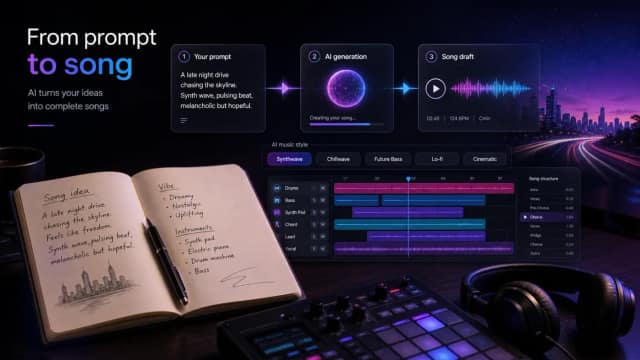
Make A Song AI generates music from lyrics or prompts, with style controls and plan-dependent song lengths, credits, and production tools.

PodcastorAI lists script, audio, and visual-podcast creation tools, with plan-specific voice access, video length, storage, and nonrolling subscription credits.

Pika offers focused apps for generating and editing video, images and sound, including video extension, character creation and synchronized soundtracks.

Audio Transcriber converts uploaded recordings or direct audio links into timestamped text with speaker detection and TXT or Word export.

GhostInterview offers desktop coding-interview assistance, searchable preparation material, and post-interview debriefs with supporting conversation excerpts.
grokimagineai.io offers prompt-based image creation and short video workflows with reference inputs, model choices, and credit-based generation.
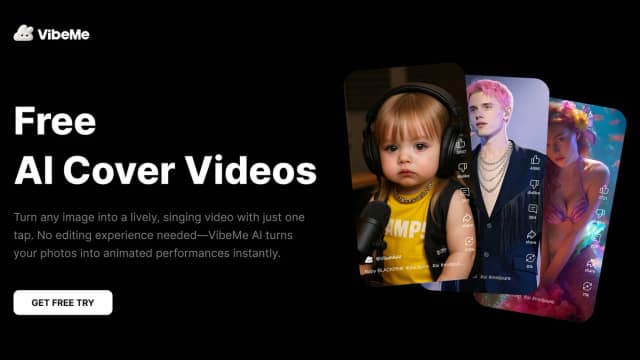
VibeMe combines music-video creation, singing portraits, and timed lyric visuals, with commercial licensing tied to its Creator plan.
Start with the job, not the brand. Pick a category, sort by newest to see recent launches, then open a tool page to read what it does, who it suits and where its official website is.
Sign in, choose Submit Tool, paste the tool’s official website, pick a category and add a sentence on what it does. Submitting is instant: it is saved straight away and appears in your submission history, where you can follow it through to its published page.
Yes. Founders and makers are welcome to submit their own tools. Link the official product page rather than a social post or app store listing, so readers land in the right place.
Some are free, many have a free plan, and some are paid only. Each tool page links to the official website, which has the current pricing, because plans and prices change often.
New tools are added every day. Sort by Newest first to see the latest additions, or follow the AI Tools RSS feed to get them as they are published.