

QuiverAI
QuiverAI generates and vectorizes editable SVG graphics, with animation features, app subscriptions, and separately billed developer access.
Find AI tools for work, creativity and everyday tasks. Read what they do before you try them.
QuiverAI generates and vectorizes editable SVG graphics, with animation features, app subscriptions, and separately billed developer access.

Secure.com provides governed AI Teammates for SOC, cloud security, AppSec, and red-team workflows, connecting offensive validation with defensive remediation.
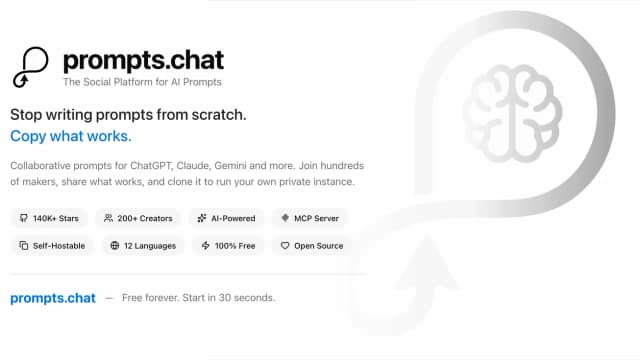
Prompts.chat is a free, open-source prompt library with community sharing, private self-hosting, and MCP access for finding and saving prompts.

Miniloop builds and maintains custom CRMs, including migration and hosting, through a scoped yearly engagement with no per-seat fees.

Gemini Music, an AI-powered tool from TopAI Tools, empowers users to generate original music compositions. Its key features include customizable parameters for genre, tempo, and...
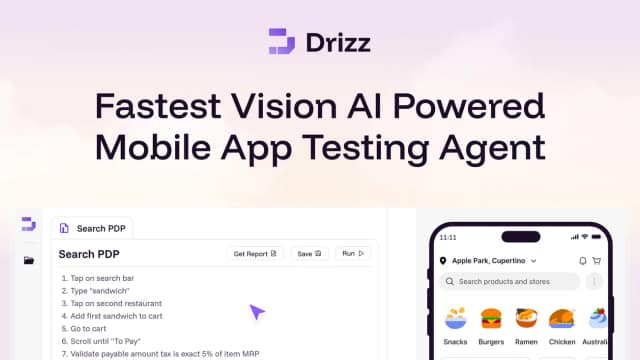
Drizz automates mobile UI tests from plain-English steps, with real-device execution, test artifacts and CI integration.
TestDino centralizes Playwright CI results, failure evidence, flaky-test analysis and reporting, with MCP access for AI-agent workflows.
Claude Code Telegram is a community-maintained bot connecting a configured Claude Code environment to Telegram conversations and notifications.

AgentMail provides email inboxes for AI agents, with developer-oriented tools and plans that set inbox, email, storage, and team allowances.
Start with the job, not the brand. Pick a category, sort by newest to see recent launches, then open a tool page to read what it does, who it suits and where its official website is.
Sign in, choose Submit Tool, paste the tool’s official website, pick a category and add a sentence on what it does. Submitting is instant: it is saved straight away and appears in your submission history, where you can follow it through to its published page.
Yes. Founders and makers are welcome to submit their own tools. Link the official product page rather than a social post or app store listing, so readers land in the right place.
Some are free, many have a free plan, and some are paid only. Each tool page links to the official website, which has the current pricing, because plans and prices change often.
New tools are added every day. Sort by Newest first to see the latest additions, or follow the AI Tools RSS feed to get them as they are published.