
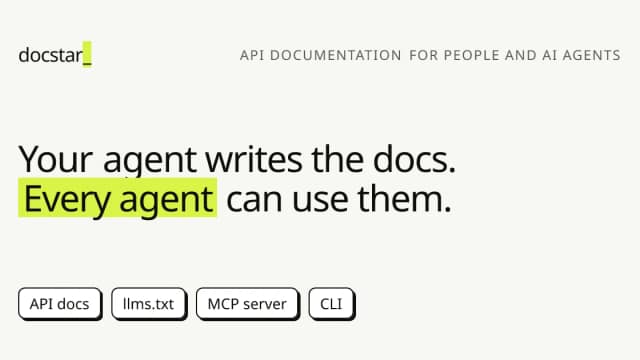
DocStar turns API code into documentation, MCP access and a CLI
A coding-agent workflow proposes API documentation from a repository, with review before publication and follow-up checks for documentation drift.
Find AI tools for work, creativity and everyday tasks. Read what they do before you try them.
A coding-agent workflow proposes API documentation from a repository, with review before publication and follow-up checks for documentation drift.
Start with the job, not the brand. Pick a category, sort by newest to see recent launches, then open a tool page to read what it does, who it suits and where its official website is.
Sign in, choose Submit Tool, paste the tool’s official website, pick a category and add a sentence on what it does. Submitting is instant: it is saved straight away and appears in your submission history, where you can follow it through to its published page.
Yes. Founders and makers are welcome to submit their own tools. Link the official product page rather than a social post or app store listing, so readers land in the right place.
Some are free, many have a free plan, and some are paid only. Each tool page links to the official website, which has the current pricing, because plans and prices change often.
New tools are added every day. Sort by Newest first to see the latest additions, or follow the AI Tools RSS feed to get them as they are published.