

VideoDB
VideoDB organizes video for visual-AI development: search failed runs, retrieve relevant episodes, add sources, annotate with human quality control and evaluate the next model.
Find AI tools for work, creativity and everyday tasks. Read what they do before you try them.
VideoDB organizes video for visual-AI development: search failed runs, retrieve relevant episodes, add sources, annotate with human quality control and evaluate the next model.
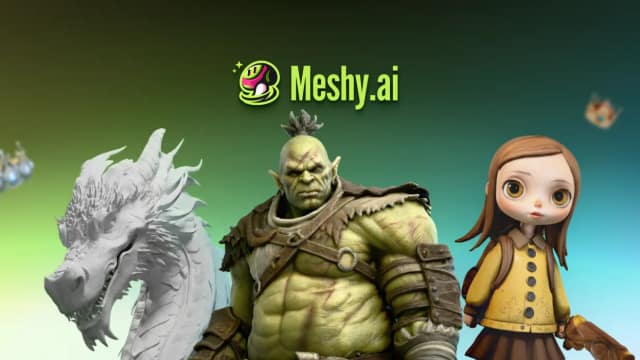
Meshy generates 3D models from text and images, with tools for texturing, rigging, animation, and preparing exports for games or printing.

TeachQuill drafts teaching materials, assessments and learner-support documents, with editable exports and plans for individual teachers or schools.
AnySpeech turns scripts into downloadable speech, with multilingual voices, long-form editing, and voice cloning for content creators.

AI image generator and editor powered by Gemini 3.1 Flash Image, with reference-image editing, conversational revisions, multilingual text rendering, and outputs from 512px to 4K.

AI Homework Helper answers typed, image, and PDF questions with explanations. It is free without an account and supports English only.
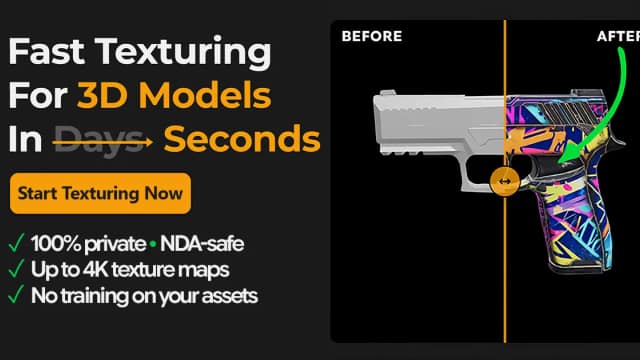
TextureFast generates PBR texture maps for existing UV-unwrapped 3D models through a web app or Blender addon, while the publisher says the complete mesh stays local.
ngram creates videos from briefs and source material, with script and production-plan approval, chat revisions, and credit-based AI generation.

Seedance2ai.one, powered by TopAI Tools, is a cutting-edge AI tool designed to generate unique and engaging dance routines. This innovative platform allows users to input prompts or...
Start with the job, not the brand. Pick a category, sort by newest to see recent launches, then open a tool page to read what it does, who it suits and where its official website is.
Sign in, choose Submit Tool, paste the tool’s official website, pick a category and add a sentence on what it does. Submitting is instant: it is saved straight away and appears in your submission history, where you can follow it through to its published page.
Yes. Founders and makers are welcome to submit their own tools. Link the official product page rather than a social post or app store listing, so readers land in the right place.
Some are free, many have a free plan, and some are paid only. Each tool page links to the official website, which has the current pricing, because plans and prices change often.
New tools are added every day. Sort by Newest first to see the latest additions, or follow the AI Tools RSS feed to get them as they are published.