
Sprite Studio
Sprite Studio is a specialized AI tool designed to streamline the creation of pixel art and sprite sheets for game development and related projects. It offers a suite of features...
Find AI tools for work, creativity and everyday tasks. Read what they do before you try them.
Sprite Studio is a specialized AI tool designed to streamline the creation of pixel art and sprite sheets for game development and related projects. It offers a suite of features...

Vmake combines AI video editing, media cleanup, captions, thumbnails, and video or image generation in a workspace with Free, Plus, and Pro tiers.

Seeddance.video advertises video, image, music, and voice generation through a shared credit system, with uploaded references assigned roles through prompt tags.

Flowstep is an AI-assisted UI design canvas with visual editing, code export, Figma interchange and an MCP connection for coding agents. Its message quotas limit iterative prompting.
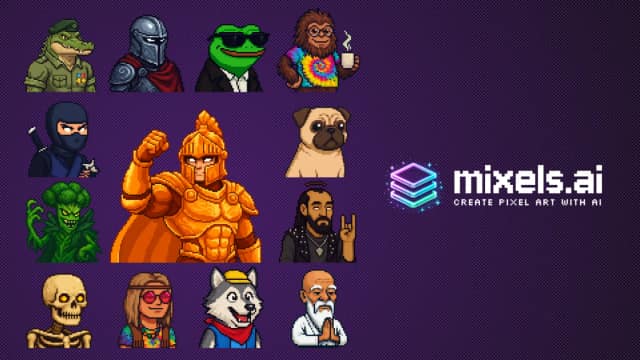
Mixels.ai is a browser-based AI pixel-art generator and editor for creating characters, sprites, avatars, and photo-derived pixel art.
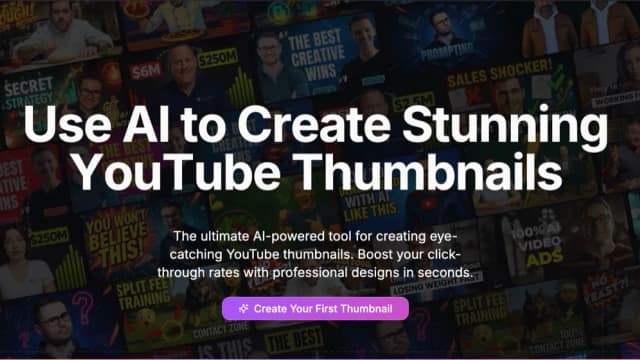
ThumbnailCreator makes YouTube thumbnails from video links, topics, or prompts, with variations, text editing, face tools, and monthly or annual allowances.

AI video generator for creating short cinematic clips from text prompts and images, with advertised multi-shot narratives, generated audio, character consistency, and output up to 2K...

IdeaProof is an AI startup validation platform that analyzes business ideas, markets, competitors, and planning opportunities using multi-model research.
Seedance20.net is a third-party AI video service offering multi-model text, image, reference, and video-to-video generation with a separate API.
Start with the job, not the brand. Pick a category, sort by newest to see recent launches, then open a tool page to read what it does, who it suits and where its official website is.
Sign in, choose Submit Tool, paste the tool’s official website, pick a category and add a sentence on what it does. Submitting is instant: it is saved straight away and appears in your submission history, where you can follow it through to its published page.
Yes. Founders and makers are welcome to submit their own tools. Link the official product page rather than a social post or app store listing, so readers land in the right place.
Some are free, many have a free plan, and some are paid only. Each tool page links to the official website, which has the current pricing, because plans and prices change often.
New tools are added every day. Sort by Newest first to see the latest additions, or follow the AI Tools RSS feed to get them as they are published.