

Classroom Screen
Classroom Screen is a browser-based classroom management tool that combines timers, polls, noise monitoring, random selection, instructions, and other widgets on one shared display.
Find AI tools for work, creativity and everyday tasks. Read what they do before you try them.
Classroom Screen is a browser-based classroom management tool that combines timers, polls, noise monitoring, random selection, instructions, and other widgets on one shared display.
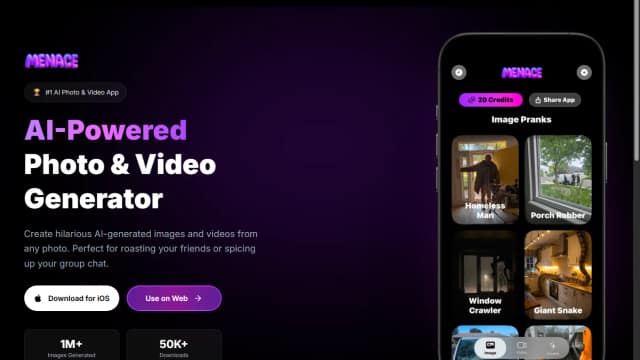
Menace generates humorous or stylized AI images and videos from uploaded photos, templates, or custom prompts.
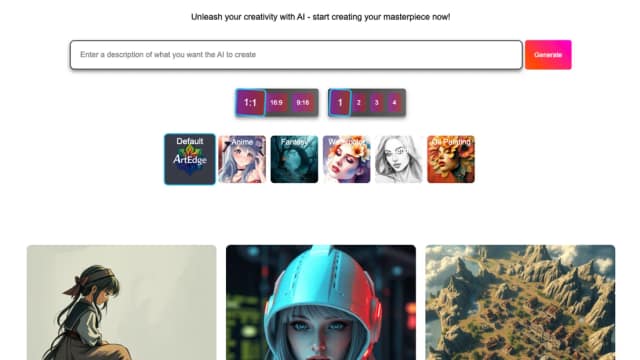
Artedge combines photo cleanup, image upscaling, and video enhancement in a browser, with credits priced by quality, image settings, or video seconds.

Handoff supports residential contractors from project scope and estimates through proposals, scheduling, client documents, invoices, and payments.

Ad Agency uses AI to turn product information, websites, or written briefs into advertising ideas, hooks, scripts, and campaign directions.

AICA is an innovative AI-powered executive assistant designed to revolutionize meeting management. It automates the tedious tasks of meeting coordination and rescheduling, going beyond...
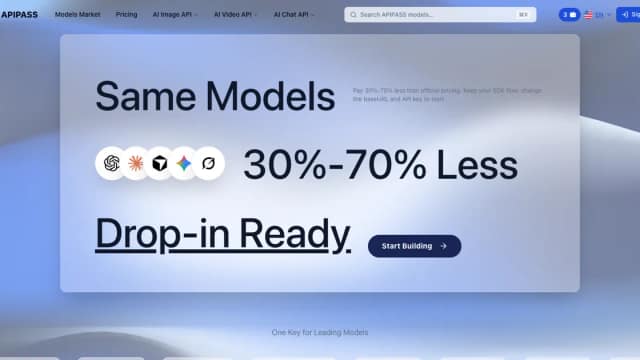
ApiPass provides an API key and billing account for chat and media models, with asynchronous jobs, callbacks, and usage-based credits.

Sora 2 Video Generator creates text-to-video, image-to-video, and 25-second storyboard videos with audio and HD/4K output options.

星読みAI is an innovative AI tool designed to provide personalized astrological readings. Leveraging the power of artificial intelligence, it analyzes birth charts to offer insights into...
Start with the job, not the brand. Pick a category, sort by newest to see recent launches, then open a tool page to read what it does, who it suits and where its official website is.
Sign in, choose Submit Tool, paste the tool’s official website, pick a category and add a sentence on what it does. Submitting is instant: it is saved straight away and appears in your submission history, where you can follow it through to its published page.
Yes. Founders and makers are welcome to submit their own tools. Link the official product page rather than a social post or app store listing, so readers land in the right place.
Some are free, many have a free plan, and some are paid only. Each tool page links to the official website, which has the current pricing, because plans and prices change often.
New tools are added every day. Sort by Newest first to see the latest additions, or follow the AI Tools RSS feed to get them as they are published.