

Zero
Zero acts as an intelligent teammate designed to automate complex, multi-step workflows across your existing software stack. By integrating with over 100 applications—including...
Find AI tools for work, creativity and everyday tasks. Read what they do before you try them.
Zero acts as an intelligent teammate designed to automate complex, multi-step workflows across your existing software stack. By integrating with over 100 applications—including...

Routine combines a universal work inbox, task and calendar planning, meeting notes, custom databases, and AI commands or automations.

FalsoAI analyzes articles, posts, videos, and other online content for persuasion patterns and emotional or cognitive pressure that may shape perception.

AI Summarizer creates short recaps from pasted text, YouTube links, PDFs, presentations and webpages, with a shared workspace for reviewing and copying the output.

Deroom creates visual home-design previews. It offers a one-generation trial and paid credit allowances, while its publisher separates appearance decisions from structural renovation advice.

iDox.ai Guardrail monitors AI prompts, uploads, and agent actions to block, redact, or anonymize sensitive data in real time.

ZenOp answers inbound business calls, books Google Calendar appointments and captures leads through an existing-number forwarding workflow.
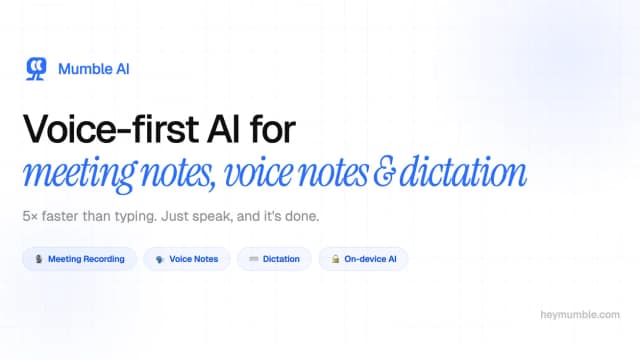
Mumble offers on-device Mac dictation with a free plan and a one-time Pro upgrade, alongside a separate iPhone note-taking product.

Meshy generates 3D models from text and images, with tools for texturing, rigging, animation, and preparing exports for games or printing.
Start with the job, not the brand. Pick a category, sort by newest to see recent launches, then open a tool page to read what it does, who it suits and where its official website is.
Sign in, choose Submit Tool, paste the tool’s official website, pick a category and add a sentence on what it does. Submitting is instant: it is saved straight away and appears in your submission history, where you can follow it through to its published page.
Yes. Founders and makers are welcome to submit their own tools. Link the official product page rather than a social post or app store listing, so readers land in the right place.
Some are free, many have a free plan, and some are paid only. Each tool page links to the official website, which has the current pricing, because plans and prices change often.
New tools are added every day. Sort by Newest first to see the latest additions, or follow the AI Tools RSS feed to get them as they are published.