

Wan 2.6
Wan 2.6 generates short AI videos and images from text, images, video references, and audio with advertised 1080p output and synchronized sound.
Find AI tools for work, creativity and everyday tasks. Read what they do before you try them.
Wan 2.6 generates short AI videos and images from text, images, video references, and audio with advertised 1080p output and synchronized sound.

Independent overview of Kirkify AI for face-swap memes, including its workflow, verified access details, limitations, and official website.
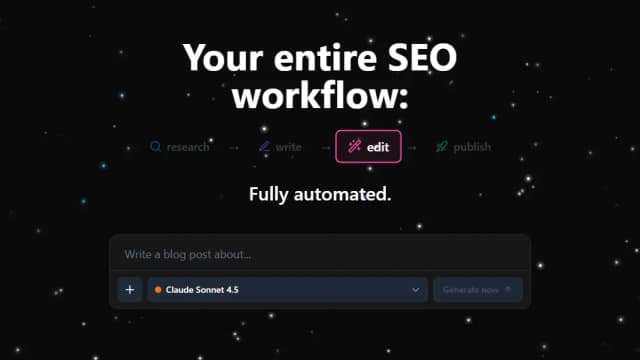
AI SEO Blog Writer is Agentive SEO’s advertised platform for keyword research, AI article generation, SEO optimization, and publishing. It is currently marked “COMING SOON” and...
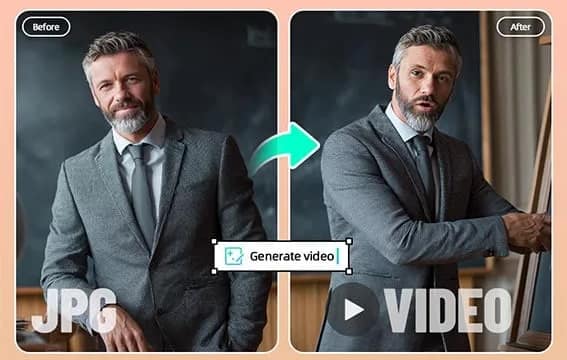
insMind turns still images into short AI videos using motion prompts, previews, and image animation effects.

insMind turns text prompts into AI-generated videos, with selectable video settings, HD MP4 export, image input, and mobile browser support.
YouWare uses AI agents to research, analyze, write, design, and review business reports, presentations, and spreadsheets from requests and uploaded files.
Sovibe's #1 Nano Banana Pro AI Image Generator & Editor is a powerful and free tool for creating high-quality 4K visuals. This platform excels at generating images from text prompts,...
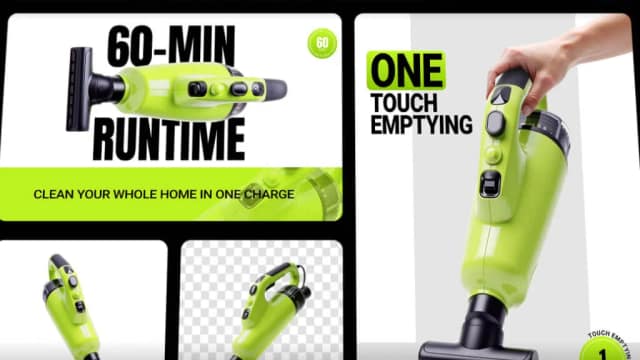
insMind AI Agent generates and edits images, videos, 3D models, and marketing designs through natural-language prompts and conversational refinement.
EveChange uses AI and GitHub activity to help product teams create, publish, and promote branded software changelogs.
Start with the job, not the brand. Pick a category, sort by newest to see recent launches, then open a tool page to read what it does, who it suits and where its official website is.
Sign in, choose Submit Tool, paste the tool’s official website, pick a category and add a sentence on what it does. Submitting is instant: it is saved straight away and appears in your submission history, where you can follow it through to its published page.
Yes. Founders and makers are welcome to submit their own tools. Link the official product page rather than a social post or app store listing, so readers land in the right place.
Some are free, many have a free plan, and some are paid only. Each tool page links to the official website, which has the current pricing, because plans and prices change often.
New tools are added every day. Sort by Newest first to see the latest additions, or follow the AI Tools RSS feed to get them as they are published.