
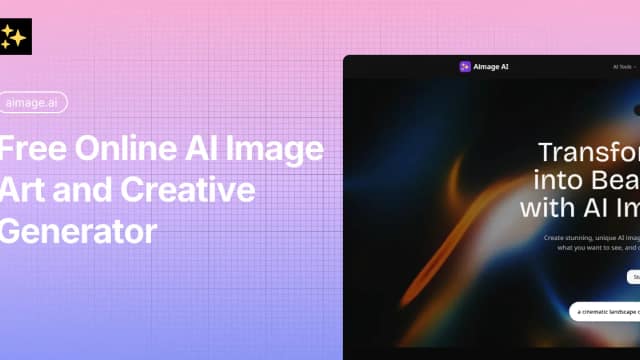
Aimage
Aimage combines prompt-based image generation, photo style changes, image-to-prompt tools and AI video creation. Check credits and output rights before choosing a plan.
Find AI tools for work, creativity and everyday tasks. Read what they do before you try them.
Aimage combines prompt-based image generation, photo style changes, image-to-prompt tools and AI video creation. Check credits and output rights before choosing a plan.
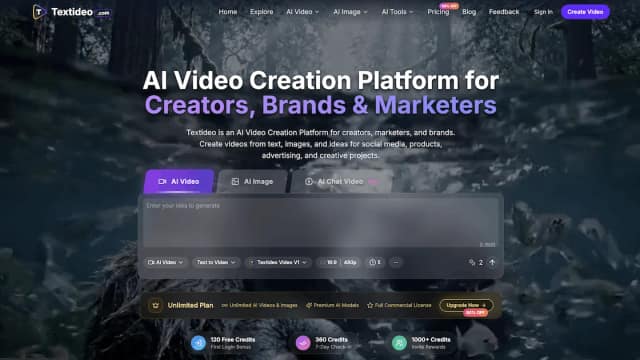
Textideo is a browser-based AI video platform that creates videos and images from text prompts, ideas, and reference images for social, marketing, ecommerce, education, and business content.

LitVideo generates videos from text or images and transforms existing video into animation. Its publisher describes multiple model options in one platform; exact output limits, billing...
Wan 2.5 AI Video Generator empowers users to effortlessly create videos from text prompts, leveraging its powerful Wan 2.5 model. This platform offers a suite of AI video creation...
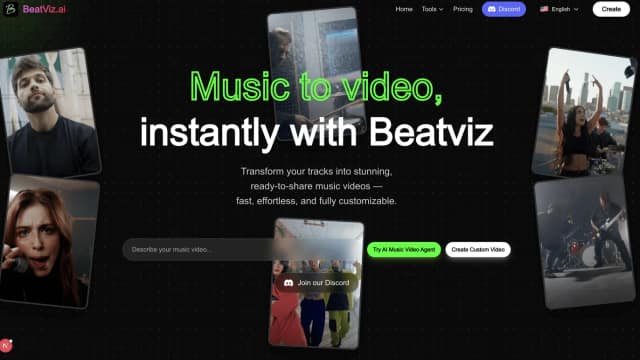
BeatViz turns music or text prompts into AI music-video projects, with chat, guided workflows and timeline editing. Credit estimates depend on model and settings, and commercial rights...
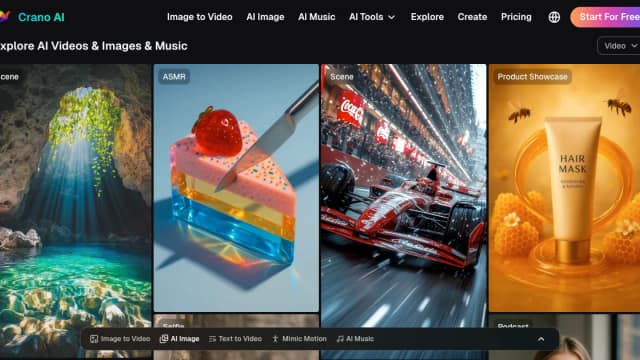
Crano is an AI workspace for generating and editing videos, images, and music from text, images, and other visual inputs.

RenderFlow AI combines image generation, video, prompt-based image editing and talking avatars in a credit-based service, with model costs shown before generation.
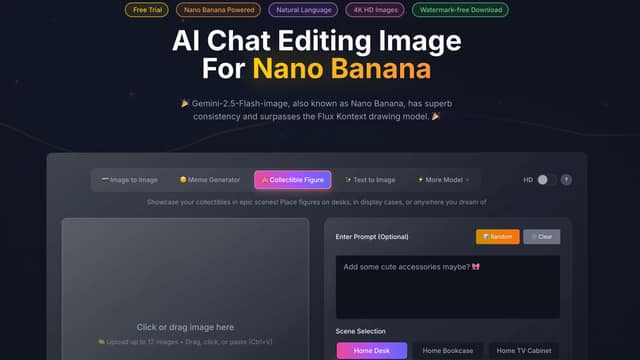
Free Nano Banana is a versatile AI platform offering free image editing and video creation capabilities. It leverages powerful AI models like Veo3.1, Sora2, and Seedance for seamless...
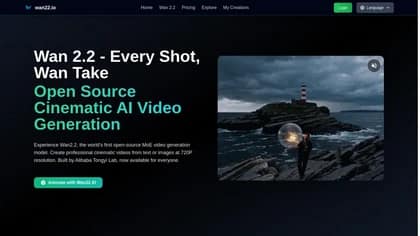
Wan2.2 is a groundbreaking, open-source AI model that revolutionizes video generation. This innovative tool allows users to create stunning videos from text prompts or existing images,...
Start with the job, not the brand. Pick a category, sort by newest to see recent launches, then open a tool page to read what it does, who it suits and where its official website is.
Sign in, choose Submit Tool, paste the tool’s official website, pick a category and add a sentence on what it does. Submitting is instant: it is saved straight away and appears in your submission history, where you can follow it through to its published page.
Yes. Founders and makers are welcome to submit their own tools. Link the official product page rather than a social post or app store listing, so readers land in the right place.
Some are free, many have a free plan, and some are paid only. Each tool page links to the official website, which has the current pricing, because plans and prices change often.
New tools are added every day. Sort by Newest first to see the latest additions, or follow the AI Tools RSS feed to get them as they are published.