
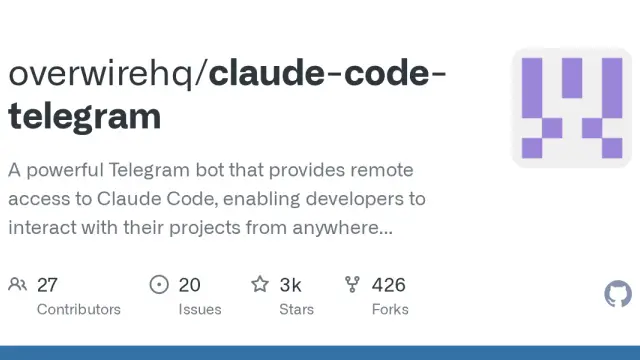
Claude Code Telegram
Claude Code Telegram is a community-maintained bot connecting a configured Claude Code environment to Telegram conversations and notifications.
Find AI tools for work, creativity and everyday tasks. Read what they do before you try them.
Claude Code Telegram is a community-maintained bot connecting a configured Claude Code environment to Telegram conversations and notifications.

SYNTOPIA empowers users to craft dynamic, interactive AI avatars specifically designed for live streams. This innovative tool allows for real-time engagement with viewers through...

Lenzo streamlines the complex process of export compliance and sanctions screening, automating tasks to ensure businesses adhere to international regulations. Its key features include...

Embeddable empowers users to craft engaging interactive widgets and landing pages without requiring extensive coding knowledge. This user-friendly tool allows for the creation of...

LLMWise is a powerful platform designed to streamline and optimize the use of multiple Large Language Models (LLMs). This innovative tool allows users to compare the performance of...

Ayudo combines support agents, a multichannel inbox and workflows connected to business systems. Set approval boundaries for external actions and clarify conflicting seat and usage...

ActionSync connects workplace information with contextual search, AI chat, data analysis, and agents that perform tasks in business applications.

TurboApply AI offers managed job applications and hiring-manager outreach using human assistants, with a dashboard for following application and email activity.

SpeakType, an AI tool available through TopAI Tools, transforms spoken words into written text with remarkable accuracy. Its core functionality lies in its advanced speech-to-text...
Shopping for software? Browse seasonal AI tool deals and check each seller’s offer terms.
Start with the job, not the brand. Pick a category, sort by newest to see recent launches, then open a tool page to read what it does, who it suits and where its official website is.
Sign in, choose Submit Tool, paste the tool’s official website, pick a category and add a sentence on what it does. Submitting is instant: it is saved straight away and appears in your submission history, where you can follow it through to its published page.
Yes. Founders and makers are welcome to submit their own tools. Link the official product page rather than a social post or app store listing, so readers land in the right place.
Some are free, many have a free plan, and some are paid only. Each tool page links to the official website, which has the current pricing, because plans and prices change often.
New tools are added every day. Sort by Newest first to see the latest additions, or follow the AI Tools RSS feed to get them as they are published.