

Selfstorming
Selfstorming is an innovative AI tool designed to streamline the branding and marketing strategy development process. It generates comprehensive strategies, encompassing brand...
Find AI tools for work, creativity and everyday tasks. Read what they do before you try them.
Selfstorming is an innovative AI tool designed to streamline the branding and marketing strategy development process. It generates comprehensive strategies, encompassing brand...

TextureFast generates PBR texture maps for existing UV-unwrapped 3D models through a web app or Blender addon, while the publisher says the complete mesh stays local.

Eler creates architectural renders using an uploaded model, selected camera angles, and visual style references, with ten free renders offered at signup.

AITextTune is a Windows text-editing assistant that works on selected text through a keyboard shortcut and requires an active Gemini API key.

Text to Song AI turns descriptions or lyrics into songs with vocals and arrangements. It offers a free trial and paid plans with commercial licensing and defined generation allowances.

AgentMail provides email inboxes for AI agents, with developer-oriented tools and plans that set inbox, email, storage, and team allowances.
Sprite Studio is a specialized AI tool designed to streamline the creation of pixel art and sprite sheets for game development and related projects. It offers a suite of features...

Orchids is a revolutionary AI tool designed to simplify app development by allowing users to build and deploy applications directly from natural language prompts. Key features include...
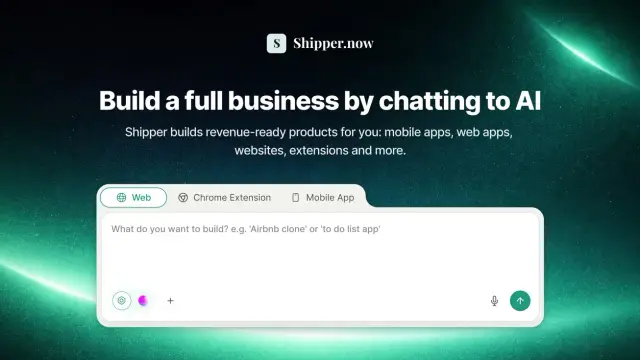
Shipper.now builds apps from conversational descriptions and includes hosting, project-code export, and an AI Advisor. Its public pricing text needs clarification before choosing a paid...
Shopping for software? Browse seasonal AI tool deals and check each seller’s offer terms.
Start with the job, not the brand. Pick a category, sort by newest to see recent launches, then open a tool page to read what it does, who it suits and where its official website is.
Sign in, choose Submit Tool, paste the tool’s official website, pick a category and add a sentence on what it does. Submitting is instant: it is saved straight away and appears in your submission history, where you can follow it through to its published page.
Yes. Founders and makers are welcome to submit their own tools. Link the official product page rather than a social post or app store listing, so readers land in the right place.
Some are free, many have a free plan, and some are paid only. Each tool page links to the official website, which has the current pricing, because plans and prices change often.
New tools are added every day. Sort by Newest first to see the latest additions, or follow the AI Tools RSS feed to get them as they are published.