

ViralCanvas
ViralCanvas lets individual creators arrange research on a visual board, connect selected sources to AI chats, and turn those chats into content drafts.
Find AI tools for work, creativity and everyday tasks. Read what they do before you try them.
ViralCanvas lets individual creators arrange research on a visual board, connect selected sources to AI chats, and turn those chats into content drafts.

TruVerifAI orchestrates multiple AI models to synthesize answers and review AI-generated designs or code. Its Panel Review workflow supports coding agents and returns structured...

HeyDream.im brings image, video, and image-to-3D generation into a credit-based web interface, with model-specific costs and limited storage history.

Classroom Screen is a browser-based classroom management tool that combines timers, polls, noise monitoring, random selection, instructions, and other widgets on one shared display.

Photostudio turns garment photos into catalog and campaign images, with Shopify, batch, and API workflows plus specific checks for product fidelity.

Vibe HTML simplifies landing page creation by generating HTML code directly from your text prompts. This innovative tool allows users to quickly design and deploy functional landing...

Recomaze connects business context with AI search, website sales, content, social posts, commerce, and customer support, using credits and owner-controlled publishing.
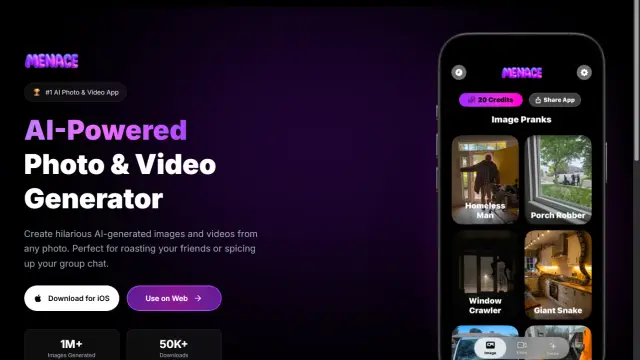
Menace generates humorous or stylized AI images and videos from uploaded photos, templates, or custom prompts.
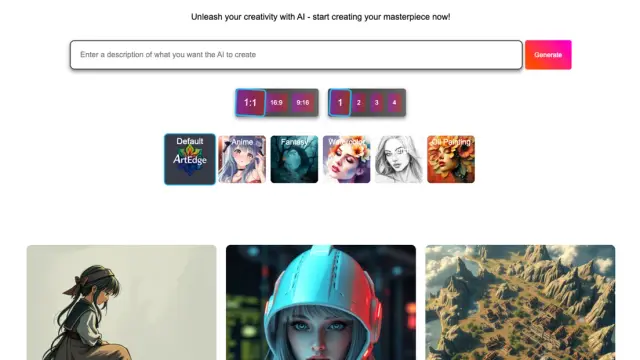
Artedge combines photo cleanup, image upscaling, and video enhancement in a browser, with credits priced by quality, image settings, or video seconds.
Shopping for software? Browse seasonal AI tool deals and check each seller’s offer terms.
Start with the job, not the brand. Pick a category, sort by newest to see recent launches, then open a tool page to read what it does, who it suits and where its official website is.
Sign in, choose Submit Tool, paste the tool’s official website, pick a category and add a sentence on what it does. Submitting is instant: it is saved straight away and appears in your submission history, where you can follow it through to its published page.
Yes. Founders and makers are welcome to submit their own tools. Link the official product page rather than a social post or app store listing, so readers land in the right place.
Some are free, many have a free plan, and some are paid only. Each tool page links to the official website, which has the current pricing, because plans and prices change often.
New tools are added every day. Sort by Newest first to see the latest additions, or follow the AI Tools RSS feed to get them as they are published.