

AI Invitation Generator
Greetings Island Magic invite creates editable invitations from event details and a theme. It supports customization, RSVP links, and print or online sharing, with download and sharing...
Find AI tools for work, creativity and everyday tasks. Read what they do before you try them.
Greetings Island Magic invite creates editable invitations from event details and a theme. It supports customization, RSVP links, and print or online sharing, with download and sharing...
CreateMusicAI generates songs from text or lyrics and includes lyrics, cover, video, stem, and audio-analysis tools. Its free plan is for personal use; eligible paid-plan tracks include...

Quriobot is a hosted chatbot builder with configurable conversation steps, branching, webhooks, and messaging channels. Its official pricing page lists chat allowances and different...
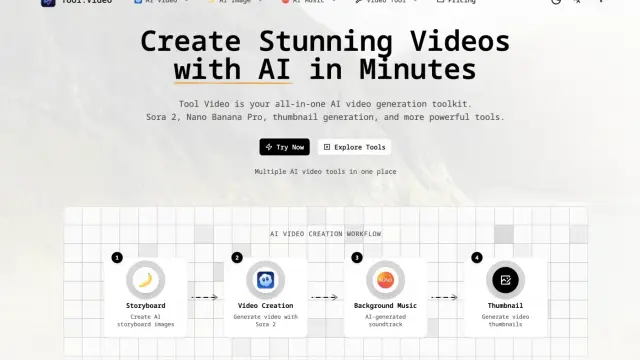
Tool.Video combines third-party generation options with thumbnail extraction, trimming and watermark-adding utilities. Current purchasing is directed to PAMA.

Sinaptic.AI connects business systems across locations, surfaces operational situations and routes follow-up to responsible managers. Its pricing depends on locations, inputs and...

Seedream45.io offers prompt-based image generation and reference-image editing. The site advertises consistent image sets and 4K export, while its documentation remains incomplete.

Remover AI separates image subjects from their backgrounds and exports transparent PNGs. It advertises free browser use and sells credit plans for additional usage.

CUTY combines image, video, avatar and music creation tools in a credit-based service. Available models, concurrency and allowances depend on the subscription.

MusicMakerApp creates songs, instrumentals and lyrics from text. It adds stem separation and MIDI conversion; downloads and commercial rights require a paid plan.
Shopping for software? Browse seasonal AI tool deals and check each seller’s offer terms.
Start with the job, not the brand. Pick a category, sort by newest to see recent launches, then open a tool page to read what it does, who it suits and where its official website is.
Sign in, choose Submit Tool, paste the tool’s official website, pick a category and add a sentence on what it does. Submitting is instant: it is saved straight away and appears in your submission history, where you can follow it through to its published page.
Yes. Founders and makers are welcome to submit their own tools. Link the official product page rather than a social post or app store listing, so readers land in the right place.
Some are free, many have a free plan, and some are paid only. Each tool page links to the official website, which has the current pricing, because plans and prices change often.
New tools are added every day. Sort by Newest first to see the latest additions, or follow the AI Tools RSS feed to get them as they are published.