

The new ChatGPT Images is here
OpenAI’s ChatGPT Images generates and edits images, with improved instruction following, detail preservation, text rendering, and a dedicated Images space. GPT Image 1.5 is available...
Find AI tools for work, creativity and everyday tasks. Read what they do before you try them.
OpenAI’s ChatGPT Images generates and edits images, with improved instruction following, detail preservation, text rendering, and a dedicated Images space. GPT Image 1.5 is available...
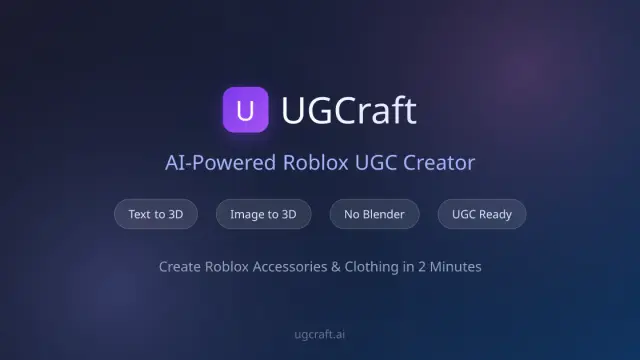
UGCraft generates Roblox-oriented accessories, clothing and animations from prompts or reference images. Its free tier is marked non-commercial, despite broader rights claims on the...

Compyle helps environmental professionals assemble source material and draft Phase I environmental site assessment reports. Professionals review, edit and approve the report before it...
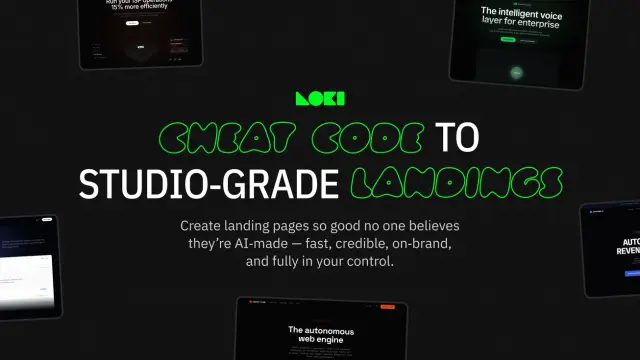
Loki.Build generates and edits landing pages from ideas, briefs or product information. Free pages use a Loki subdomain and branding; custom domains are paid features, while Remix is...

BrainGrid plans, builds, and verifies AI-assisted software through structured requirements, acceptance criteria, and evidence, with options for BrainGrid Cloud or a user's own repository.

WAN-2.6 generates and transforms videos from text prompts, images, and existing footage using text-to-video, image-to-video, and video-to-video workflows.
What RepEdge.ai does Transform sales calls with AI-powered analysis. Get win probability scoring, call coaching, and manager dashboards. Start your 10-day unlimited trial today.

Ad Suite AI combines conversational brief creation, campaign research, ad creative, tracking setup, and ongoing optimization for Google, Meta, LinkedIn, and ChatGPT advertising workflows.
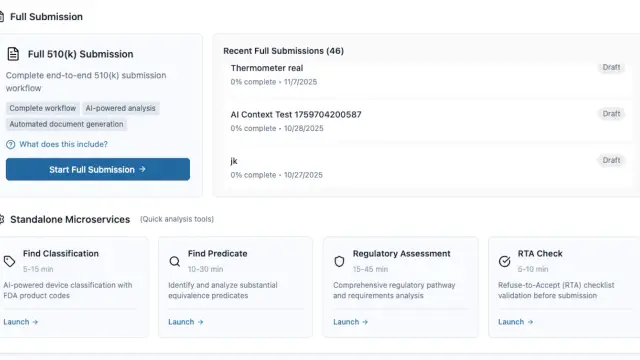
Cruxi provides AI-assisted regulatory submission drafting, evidence organization and readiness checks, with optional expert review. Its software does not substitute for regulatory...
Shopping for software? Browse seasonal AI tool deals and check each seller’s offer terms.
Start with the job, not the brand. Pick a category, sort by newest to see recent launches, then open a tool page to read what it does, who it suits and where its official website is.
Sign in, choose Submit Tool, paste the tool’s official website, pick a category and add a sentence on what it does. Submitting is instant: it is saved straight away and appears in your submission history, where you can follow it through to its published page.
Yes. Founders and makers are welcome to submit their own tools. Link the official product page rather than a social post or app store listing, so readers land in the right place.
Some are free, many have a free plan, and some are paid only. Each tool page links to the official website, which has the current pricing, because plans and prices change often.
New tools are added every day. Sort by Newest first to see the latest additions, or follow the AI Tools RSS feed to get them as they are published.