
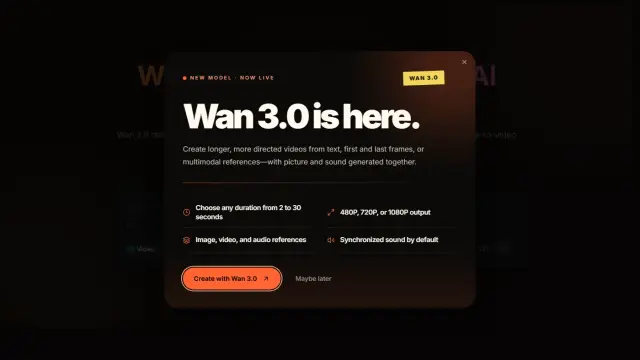
Wan 2.6
Wan 2.6 is an AI video generator for short multi-shot 720p or 1080p clips with text, image, and video-reference control plus audio and motion synchronization.
Find AI tools for work, creativity and everyday tasks. Read what they do before you try them.
Wan 2.6 is an AI video generator for short multi-shot 720p or 1080p clips with text, image, and video-reference control plus audio and motion synchronization.
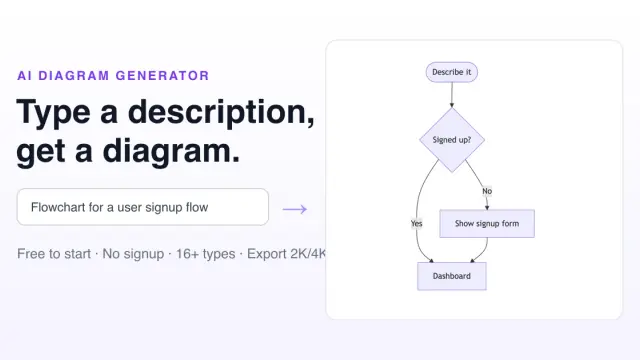
Free AI Diagram Generator creates more than 16 diagram types from natural-language prompts, with Mermaid editing, styled image exports, and a free five-credit plan.
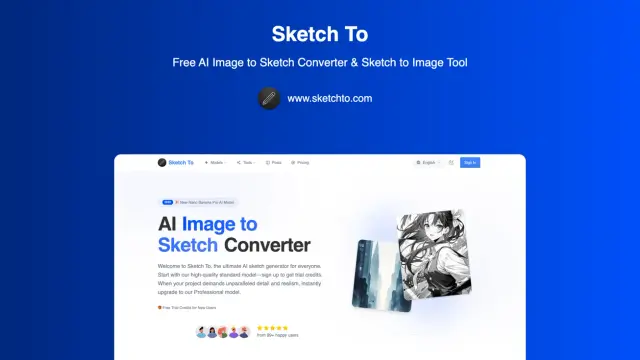
Sketch To converts photos into sketch styles and sketches into generated images. Its credit, upload and subscription descriptions conflict in places, so confirm the current generation...
Intempt is agentic GTM software that combines customer data, journeys, pipeline, creative work, and analytics in one workspace with approval-based agent execution.
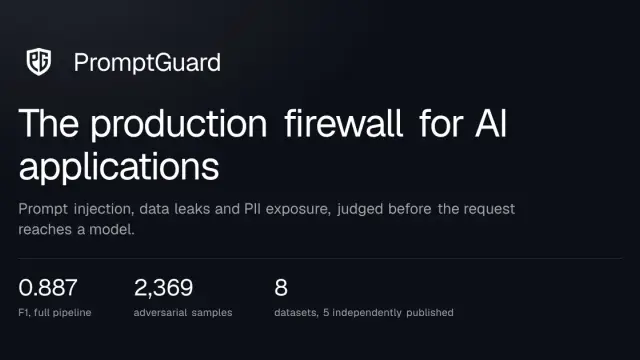
PromptGuard inspects AI application traffic for attacks and sensitive data, with configurable detection, deployment and failure behavior.
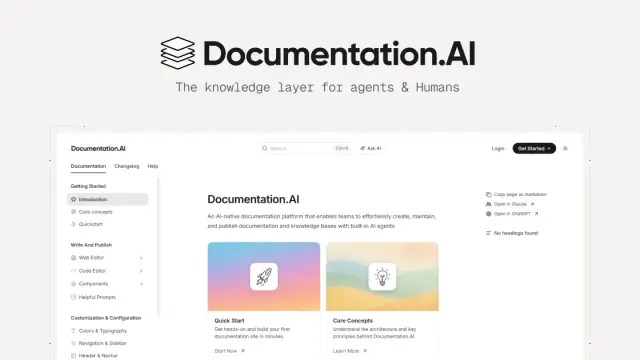
Documentation.AI maintains product and API documentation with an agent that drafts updates for human approval. Teams can edit in a browser or through Git and MDX, collaborate on...

Dograh builds voice-agent workflows using selectable speech, model and telephony components. It offers open-source self-hosting and managed routes; external provider usage and...

MedAlly is a clinical AI platform that connects ambient documentation with diagnostic review, coding, safety checks, and follow-up workflows for physicians.
Niti reconciles marketing performance with revenue, margin, inventory, and cross-channel effects to rank budget actions and score their outcomes.
Shopping for software? Browse seasonal AI tool deals and check each seller’s offer terms.
Start with the job, not the brand. Pick a category, sort by newest to see recent launches, then open a tool page to read what it does, who it suits and where its official website is.
Sign in, choose Submit Tool, paste the tool’s official website, pick a category and add a sentence on what it does. Submitting is instant: it is saved straight away and appears in your submission history, where you can follow it through to its published page.
Yes. Founders and makers are welcome to submit their own tools. Link the official product page rather than a social post or app store listing, so readers land in the right place.
Some are free, many have a free plan, and some are paid only. Each tool page links to the official website, which has the current pricing, because plans and prices change often.
New tools are added every day. Sort by Newest first to see the latest additions, or follow the AI Tools RSS feed to get them as they are published.