
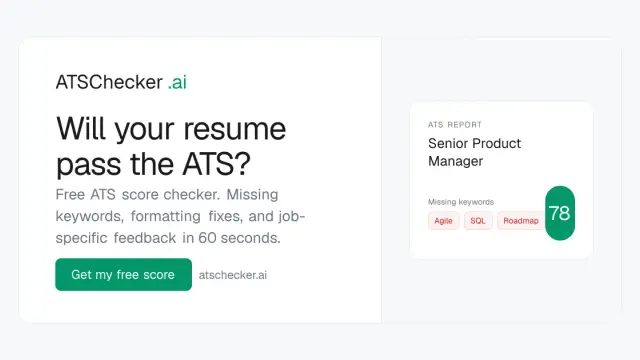
ATSchecker
ATSchecker compares a resume with a specific job description, highlighting keyword and formatting gaps without guaranteeing an employer's screening decision.
Find AI tools for work, creativity and everyday tasks. Read what they do before you try them.
ATSchecker compares a resume with a specific job description, highlighting keyword and formatting gaps without guaranteeing an employer's screening decision.

Fotello connects real-estate photo editing with booking, branded delivery, and payments; editing allowances and download access vary by plan.
ZipTie monitors how AI search answers mention and cite brands, keeping answer history and pricing checks by engine coverage and frequency.
AIDesignHouse produces home-design concepts for interiors, exteriors and gardens, with floor-plan inspiration and credit-based access.

PicCreator creates images from prompts and edits uploaded photos, with portrait adjustments and product-image concepts among its advertised uses.
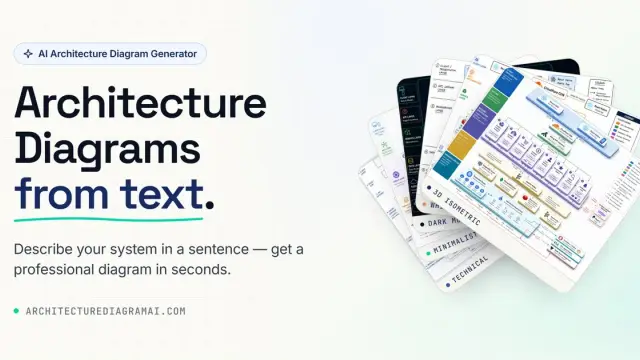
ArchDiagramAI generates architecture illustrations from text or reference images, with style and resolution choices; generated connections and labels require technical review.
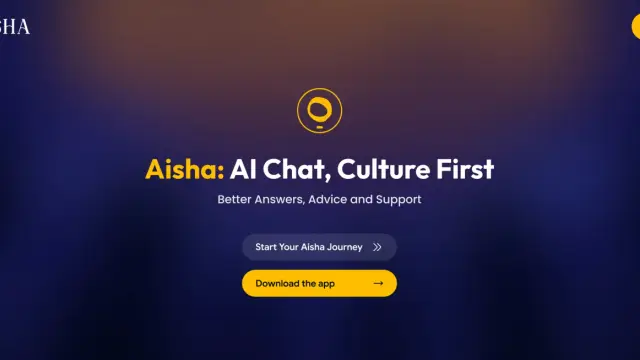
AISHA at aisha.ai is a culture-focused chat assistant that centers Black sources and history, with mobile app links and personalized guidance.

Tempmail.bot offers a disposable email address and an auto-refreshing inbox without creating an account, for temporary incoming messages.
PDFtoword provides an online PDF toolkit for conversion, page organization, compression, OCR, and password tools; check document fidelity and upload policies.
Shopping for software? Browse seasonal AI tool deals and check each seller’s offer terms.
Start with the job, not the brand. Pick a category, sort by newest to see recent launches, then open a tool page to read what it does, who it suits and where its official website is.
Sign in, choose Submit Tool, paste the tool’s official website, pick a category and add a sentence on what it does. Submitting is instant: it is saved straight away and appears in your submission history, where you can follow it through to its published page.
Yes. Founders and makers are welcome to submit their own tools. Link the official product page rather than a social post or app store listing, so readers land in the right place.
Some are free, many have a free plan, and some are paid only. Each tool page links to the official website, which has the current pricing, because plans and prices change often.
New tools are added every day. Sort by Newest first to see the latest additions, or follow the AI Tools RSS feed to get them as they are published.