
Google Workspace
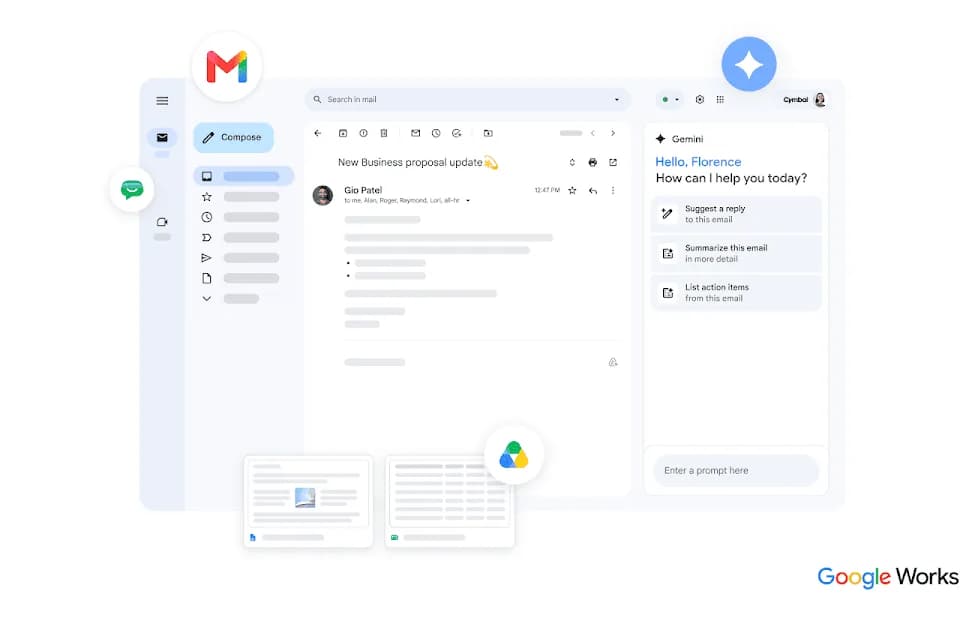
Google Workspace is Google's subscription suite for business email, shared files and collaboration. It includes Gmail, Drive, Meet, Calendar and document tools, with Gemini features that differ by edition. Choosing a plan means checking both the everyday collaboration requirements and the AI features a team actually needs.
Keep the document and its discussion together
The Workspace overview describes real-time work across its cloud applications. In Google Docs, colleagues can edit a shared document, leave comments and review earlier versions. Permissions control who can view, comment or edit.
Docs also offers tabs for organizing sections of a project and smart chips for files, people and events. These features can help a team keep context beside the draft instead of circulating separate attachments. Before inviting an external collaborator, check the actual sharing settings and whether linked files are accessible to that person.
Review AI-assisted work against the source
Google describes Gemini in Docs as using information from Drive, Gmail and Chat to help build drafts. Formatting and writing-style controls can adapt the output to a company's presentation. The availability of these features depends on the subscription and applicable account settings.
A draft drawn from work context still needs review. Check facts and quotations against the original material, and confirm that the document does not expose information to a wider audience than intended. For a shared project, make clear which statements are supported by records and which are suggestions produced by the assistant.
Compare editions rather than headline storage
The overview lists Starter with 30 GB of pooled storage per user, Standard with 2 TB, and Plus with 5 TB. Pooled storage is shared across the organization; it is not a promise of a separate dedicated allocation for every account. Meet participant limits and administrative features also vary.
The Canadian pricing display distinguishes flexible prices from lower rates with a one-year commitment, even when billing occurs monthly. Confirm the currency, commitment and included Gemini features before purchase. Business editions support up to three hundred users, while Enterprise uses a separate sales process. Migration involves permissions as well as files, so review sharing and retention requirements alongside the subscription choice.