

Twenty
Twenty is an open-source CRM with customizable records, workflows, developer extensions, and plan-dependent access controls.
Find AI tools for work, creativity and everyday tasks. Read what they do before you try them.
Twenty is an open-source CRM with customizable records, workflows, developer extensions, and plan-dependent access controls.

SearchCans supplies structured Google and Bing search results plus a separately billed Reader API that converts source pages and documents into Markdown or HTML.

ViMax is an MIT-licensed video creation project that coordinates scripts, storyboards and media generators. It offers direct pipelines, an interactive terminal workflow and a local web...

Momentic authors and runs end-to-end tests stored as readable YAML, with web and mobile execution, failure artifacts and CI integration. Usage is billed through credits rather than seats.
AnyAPI.ai offers a unified model gateway, developer playground and command-line tooling. Model-specific AnyToken consumption and plan controls need checking before using headline...
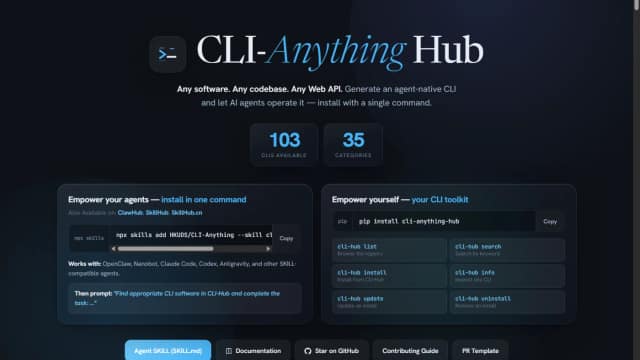
CLI-Anything Hub helps humans and agents discover and install command-line interfaces for applications. Its registry separates project-generated interfaces from public CLIs maintained...
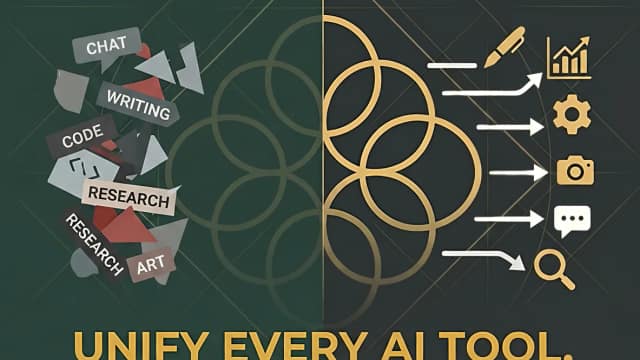
Council Chat brings multi-model chat, contrasting plan reviews, research and document tools into a workspace with advertised EU hosting and optional EU-only processing.
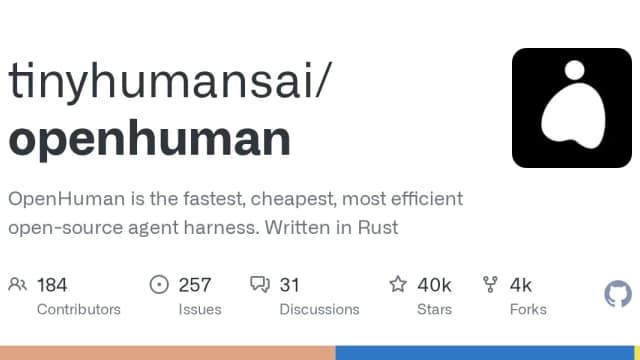
OpenHuman is a GPL-3.0 Rust agent harness with desktop, browser, terminal and embedded interfaces, configurable model engines and reviewable workflows.
Simple Chat handles Shopify chat and email using store data and enabled order tools, with human handoff and per-AI-resolution billing.
Start with the job, not the brand. Pick a category, sort by newest to see recent launches, then open a tool page to read what it does, who it suits and where its official website is.
Sign in, choose Submit Tool, paste the tool’s official website, pick a category and add a sentence on what it does. Submitting is instant: it is saved straight away and appears in your submission history, where you can follow it through to its published page.
Yes. Founders and makers are welcome to submit their own tools. Link the official product page rather than a social post or app store listing, so readers land in the right place.
Some are free, many have a free plan, and some are paid only. Each tool page links to the official website, which has the current pricing, because plans and prices change often.
New tools are added every day. Sort by Newest first to see the latest additions, or follow the AI Tools RSS feed to get them as they are published.