
Google Chrome
Google Chrome combines tab management, account synchronization and browser safety tools with Gemini, AI Mode search and Google Lens features.
Find AI tools for work, creativity and everyday tasks. Read what they do before you try them.
Google Chrome combines tab management, account synchronization and browser safety tools with Gemini, AI Mode search and Google Lens features.
OpenClaw Guide is Mykyta Haida's public, MIT-licensed handbook covering self-hosted agent installation, configuration, memory, automation and security.

Linked Helper combines desktop LinkedIn outreach workflows with AI lead qualification, message drafts, reply assistance, CRM records and export options.

OpenClawVPS hosts an OpenClaw assistant with a browser dashboard, optional messaging connections, and VPS or dedicated Mac plans.

PetClaw is a desktop AI pet assistant with voice interaction, remembered context, and credit-based plans for learning and work tasks.

Trio provides pre-vetted fintech developers, dedicated teams, outsourcing, and AI engineering services for financial software projects.

ShipSafe scans app code and deployed sites for security issues, writes proposed fixes, and offers CLI, MCP and GitHub workflows with recurring paid scans.

Hebbrix gives AI applications persistent memory, hybrid retrieval and knowledge graphs, with explicit outcome feedback, hosted MCP access and portable data.
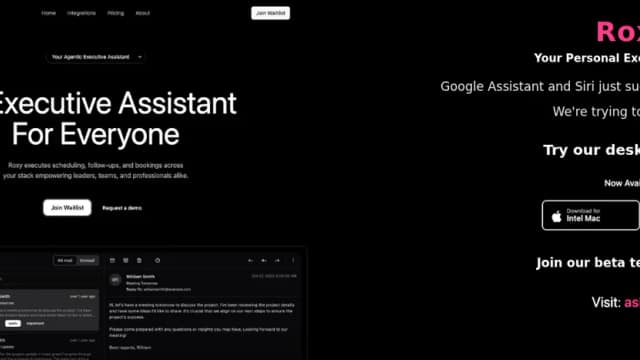
Roxy is an AI executive assistant that schedules meetings, sends follow-ups, books services, and automates connected workflows with approval or autopilot controls.
Start with the job, not the brand. Pick a category, sort by newest to see recent launches, then open a tool page to read what it does, who it suits and where its official website is.
Sign in, choose Submit Tool, paste the tool’s official website, pick a category and add a sentence on what it does. Submitting is instant: it is saved straight away and appears in your submission history, where you can follow it through to its published page.
Yes. Founders and makers are welcome to submit their own tools. Link the official product page rather than a social post or app store listing, so readers land in the right place.
Some are free, many have a free plan, and some are paid only. Each tool page links to the official website, which has the current pricing, because plans and prices change often.
New tools are added every day. Sort by Newest first to see the latest additions, or follow the AI Tools RSS feed to get them as they are published.