

Better Analyst combines data questions, dashboards and recurring reporting
The former Formula Bot exposes calculations and adds schedules, alerts and data-flow delivery.
Find AI tools for work, creativity and everyday tasks. Read what they do before you try them.
The former Formula Bot exposes calculations and adds schedules, alerts and data-flow delivery.

Connect Google Search Console to an MCP-compatible assistant for read-only search-performance analysis.

Statty AI combines sales, customer, product and inventory reporting with AI questions and explanations, with available metrics depending on each platform connection.
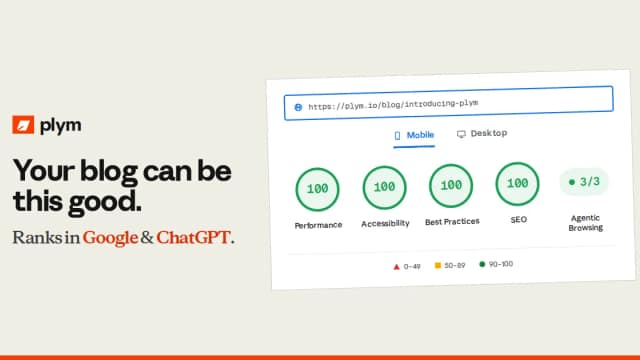
plym is a hosted blogging platform with pre-rendered HTML and Markdown, technical SEO files, team publishing tools and optional API or MCP access.

Koala Inspector is a Chrome extension for researching public Shopify storefronts. It shows store technology and product information alongside modeled sales and traffic estimates.
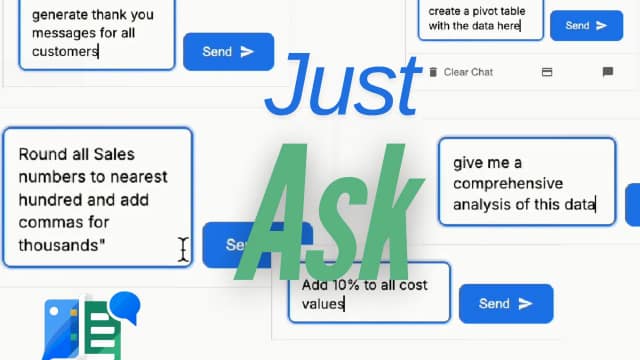
SheetXAI adds plain-English spreadsheet commands, document extraction and app connections to Excel and Google Sheets, with different credit costs for analysis and row-by-row content.

Peony is a document-sharing and virtual data-room service with access controls, analytics and AI document questions. Advanced redaction and legal-signing controls depend on the plan.
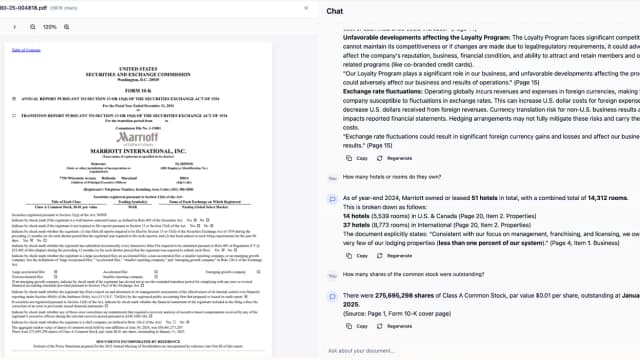
ResearchMonkey is an AI research workspace with 40+ tools for summarizing sources, finding papers, managing citations, analyzing markets, and chatting with files using multiple AI models.

Noreja analyzes business processes using causal process graphs, connected system data, and contextual knowledge, with enterprise plans sized by data, perspectives, and power users.
Start with the job, not the brand. Pick a category, sort by newest to see recent launches, then open a tool page to read what it does, who it suits and where its official website is.
Sign in, choose Submit Tool, paste the tool’s official website, pick a category and add a sentence on what it does. Submitting is instant: it is saved straight away and appears in your submission history, where you can follow it through to its published page.
Yes. Founders and makers are welcome to submit their own tools. Link the official product page rather than a social post or app store listing, so readers land in the right place.
Some are free, many have a free plan, and some are paid only. Each tool page links to the official website, which has the current pricing, because plans and prices change often.
New tools are added every day. Sort by Newest first to see the latest additions, or follow the AI Tools RSS feed to get them as they are published.