
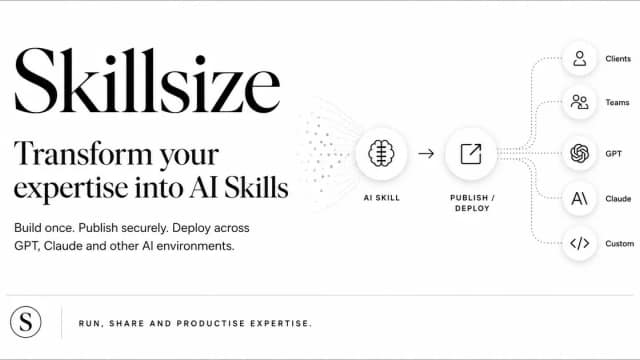
Skillsize
Skillsize helps consultants and internal experts package their methods as reusable AI skills with sequenced reasoning, evidence requirements and human review stages.
Find AI tools for work, creativity and everyday tasks. Read what they do before you try them.
Skillsize helps consultants and internal experts package their methods as reusable AI skills with sequenced reasoning, evidence requirements and human review stages.
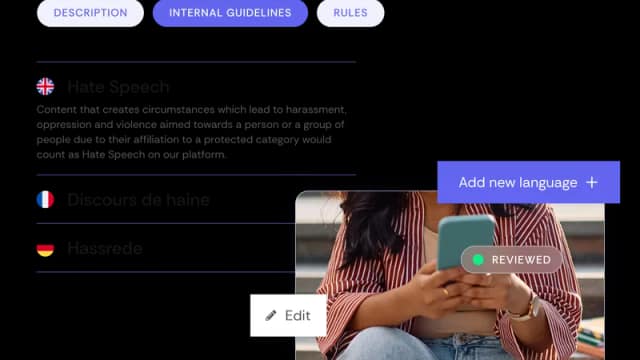
Checkstep combines AI scanning, configurable content policies, moderator queues and transparency-reporting workflows for platforms handling user-generated content.

Gaminode combines a game engine, a launcher and editor tools, with export targets for desktop, Android and the web. Its local AI Game Builder is presented as a preview.
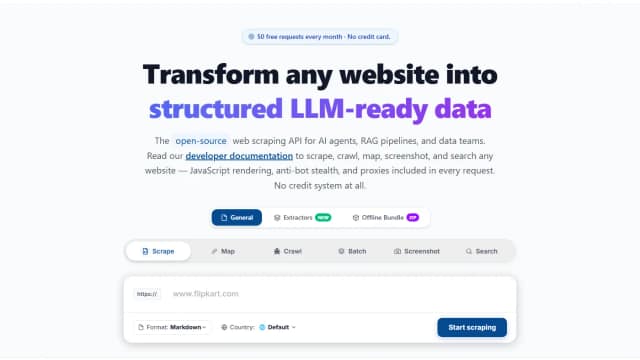
GcrawlAI is an open-source web-scraping API that converts websites into LLM-ready Markdown or JSON with crawling, rendering, search, and screenshot endpoints.

Inworld provides real-time text-to-speech, speech-to-text and language-model routing for developers building voice applications. Its speech tools include voice cloning, text-based voice...

AI Imagine offers image generation and photo-editing tools with credit subscriptions; the site distinguishes available image workflows from some coming-soon features.

Black Forest Labs describes FLUX 3 Video as a multimodal generation and editing model with ordered keyframes, clip continuation and draft previews.
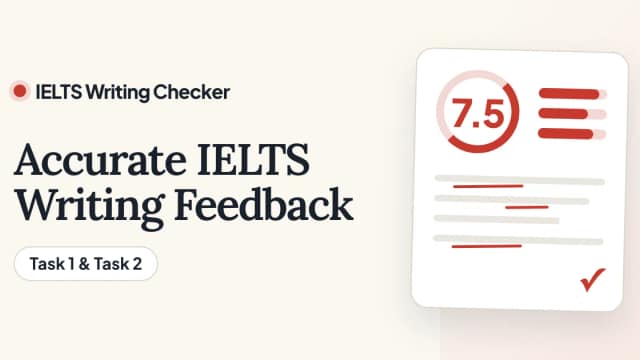
IELTS Writing Checker uses AI and public IELTS assessment criteria to provide estimated scores and feedback on practice responses. It is an independent learning tool, with Task1 and...

Cross-platform AI memory for ChatGPT, Claude, Gemini, Grok, DeepSeek, and Kimi, with a Chrome extension, web app, desktop app, MCP, APIs, and SDKs.
Start with the job, not the brand. Pick a category, sort by newest to see recent launches, then open a tool page to read what it does, who it suits and where its official website is.
Sign in, choose Submit Tool, paste the tool’s official website, pick a category and add a sentence on what it does. Submitting is instant: it is saved straight away and appears in your submission history, where you can follow it through to its published page.
Yes. Founders and makers are welcome to submit their own tools. Link the official product page rather than a social post or app store listing, so readers land in the right place.
Some are free, many have a free plan, and some are paid only. Each tool page links to the official website, which has the current pricing, because plans and prices change often.
New tools are added every day. Sort by Newest first to see the latest additions, or follow the AI Tools RSS feed to get them as they are published.