

Mentomind
MentoMind gives tutoring businesses a branded platform for diagnostic tests, targeted practice and student progress tracking, with expert-written test-preparation question banks.
Find AI tools for work, creativity and everyday tasks. Read what they do before you try them.
MentoMind gives tutoring businesses a branded platform for diagnostic tests, targeted practice and student progress tracking, with expert-written test-preparation question banks.
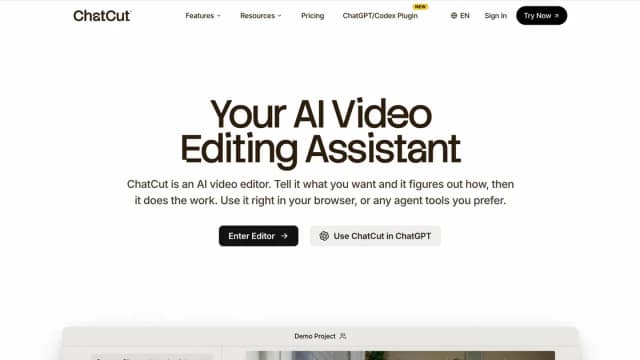
ChatCut translates editing instructions into changes on a multi-track video timeline, with transcript cuts, captions, motion graphics, and generated supporting assets.
PersonWise turns a topic or existing slide deck into an interactive course with a digital instructor and voice questions; assessments and learner tracking depend on the plan.

AIVideoFree combines text and image creation with video generation, offering introductory credits and paid packs rather than unlimited free production.

aiseedance25.ai advertises reference-guided video creation and editing, with credit-based plans and conflicting input limits that should be checked in the generator.
AI-powered reading and language-learning tool for studying Chinese with English support or English with Chinese support.
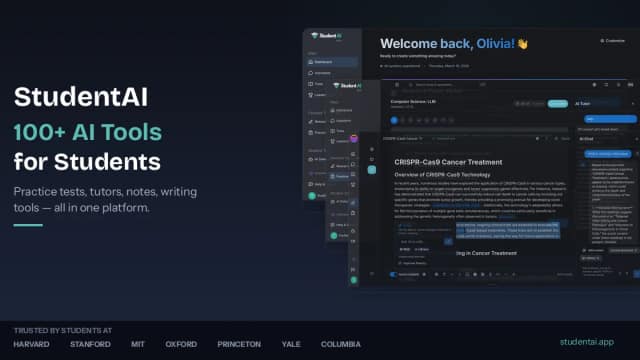
StudentAI is an AI-powered learning platform with study-material tools, practice-test and quiz generation, specialized tutors, and StudentAI Tutor mobile apps.
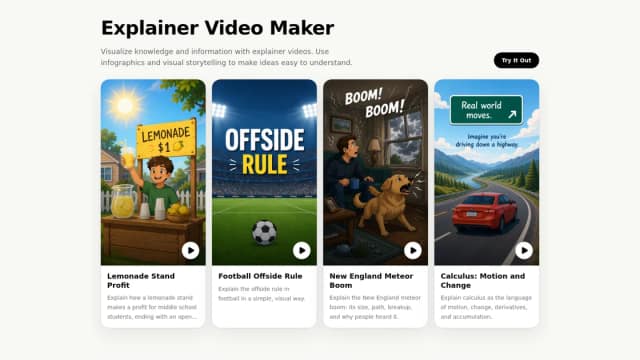
KnowCast generates visual explainer videos from topics, articles, or lessons, with scenes, captions, and an advertised reusable voice-cloning workflow.
Coursebox embeds an AI tutor inside courses, using uploaded training content with configurable source restrictions, retraining, and plan-based message allowances.
Start with the job, not the brand. Pick a category, sort by newest to see recent launches, then open a tool page to read what it does, who it suits and where its official website is.
Sign in, choose Submit Tool, paste the tool’s official website, pick a category and add a sentence on what it does. Submitting is instant: it is saved straight away and appears in your submission history, where you can follow it through to its published page.
Yes. Founders and makers are welcome to submit their own tools. Link the official product page rather than a social post or app store listing, so readers land in the right place.
Some are free, many have a free plan, and some are paid only. Each tool page links to the official website, which has the current pricing, because plans and prices change often.
New tools are added every day. Sort by Newest first to see the latest additions, or follow the AI Tools RSS feed to get them as they are published.