

Deroom
Deroom creates visual home-design previews. It offers a one-generation trial and paid credit allowances, while its publisher separates appearance decisions from structural renovation advice.
Find AI tools for work, creativity and everyday tasks. Read what they do before you try them.
Deroom creates visual home-design previews. It offers a one-generation trial and paid credit allowances, while its publisher separates appearance decisions from structural renovation advice.

DeepSwapAI.io swaps faces in photos, videos and GIFs. Compare credits and upload limits, and check consent and conflicting storage details before using it.
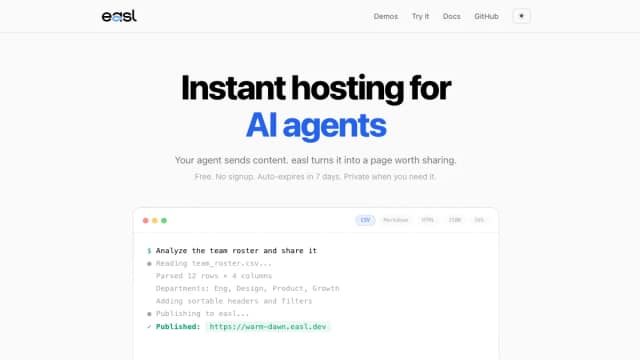
easl publishes files and agent output as temporary web pages, with format-specific viewers, API/CLI/MCP access and optional password or account gates.

OfoxAI provides hosted model access through one API key, with several protocol formats, image/video endpoints and documented coding-tool integrations.
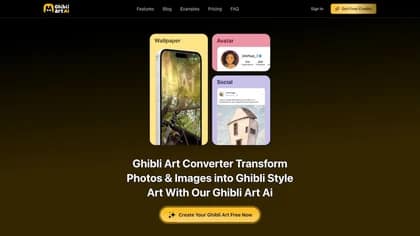
Ghibli-art.io is a specialized AI image generator designed to transform your prompts into breathtaking illustrations reminiscent of the iconic Studio Ghibli aesthetic. By leveraging...

Pintame turns manuscripts and story ideas into illustrated books or comics, using reusable visual references and pay-as-you-go generation credits.

PhotoGPT creates ecommerce product images, ad variations, product-page visuals and virtual try-on previews from product photos.

OiiOii.ai provides an animation canvas and a multi-agent pipeline for scripts, characters, scenes, moving shots, editing, and sound.

Leapd’s Cassy combines LinkedIn drafting and scheduling with conversation tracking and optional engagement and prospecting workflows.
Start with the job, not the brand. Pick a category, sort by newest to see recent launches, then open a tool page to read what it does, who it suits and where its official website is.
Sign in, choose Submit Tool, paste the tool’s official website, pick a category and add a sentence on what it does. Submitting is instant: it is saved straight away and appears in your submission history, where you can follow it through to its published page.
Yes. Founders and makers are welcome to submit their own tools. Link the official product page rather than a social post or app store listing, so readers land in the right place.
Some are free, many have a free plan, and some are paid only. Each tool page links to the official website, which has the current pricing, because plans and prices change often.
New tools are added every day. Sort by Newest first to see the latest additions, or follow the AI Tools RSS feed to get them as they are published.