

QuiverAI
QuiverAI generates and vectorizes editable SVG graphics, with animation features, app subscriptions, and separately billed developer access.
Find AI tools for work, creativity and everyday tasks. Read what they do before you try them.
QuiverAI generates and vectorizes editable SVG graphics, with animation features, app subscriptions, and separately billed developer access.

C2Story turns written stories into illustrated books, comics, posters, and videos, with a shared credit balance for images and motion.

Protex AI connects existing cameras and site systems to detect industrial safety risks, investigate operational patterns, and track corrective actions.

Secure.com provides governed AI Teammates for SOC, cloud security, AppSec, and red-team workflows, connecting offensive validation with defensive remediation.

PaperBanana generates research illustrations and editable SVG diagrams, edits figures, and creates academic poster layouts from PDF papers.

Photiu Image Upscaler enlarges images by two or four times, with a browser upload workflow, result previews and common image formats.

WorkOps es un complemento de Microsoft Word que ayuda a profesionales legales a consultar documentos, extraer información y redactar o editar contenido con IA.
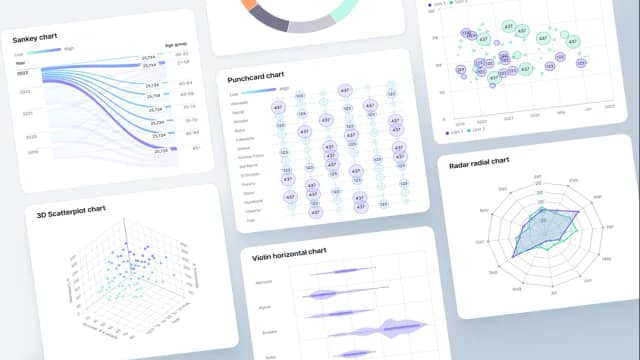
Fusedash creates dashboards, charts, maps and reports from connected data, with optional AI chat and token-priced generation actions.
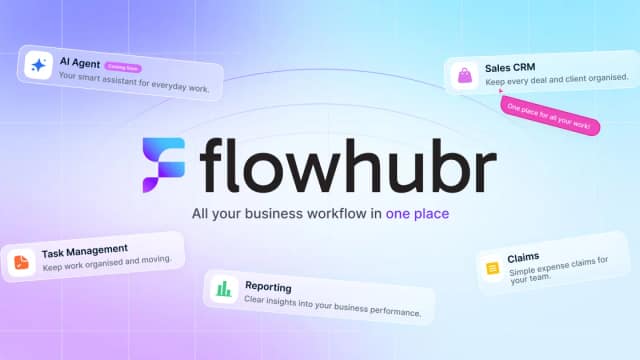
FlowHubr is an all-in-one platform designed to streamline your business operations by integrating CRM, project management, and task management functionalities. Key features include...
Start with the job, not the brand. Pick a category, sort by newest to see recent launches, then open a tool page to read what it does, who it suits and where its official website is.
Sign in, choose Submit Tool, paste the tool’s official website, pick a category and add a sentence on what it does. Submitting is instant: it is saved straight away and appears in your submission history, where you can follow it through to its published page.
Yes. Founders and makers are welcome to submit their own tools. Link the official product page rather than a social post or app store listing, so readers land in the right place.
Some are free, many have a free plan, and some are paid only. Each tool page links to the official website, which has the current pricing, because plans and prices change often.
New tools are added every day. Sort by Newest first to see the latest additions, or follow the AI Tools RSS feed to get them as they are published.