

ImagineArt
ImagineArt combines image, video and audio creation with editing, specialized studios and a node-based canvas for repeatable creative workflows.
Find AI tools for work, creativity and everyday tasks. Read what they do before you try them.
ImagineArt combines image, video and audio creation with editing, specialized studios and a node-based canvas for repeatable creative workflows.
Loova generates and edits images and videos, with an Infinite Canvas for planning scenes and plan-dependent credits, model access and concurrency.
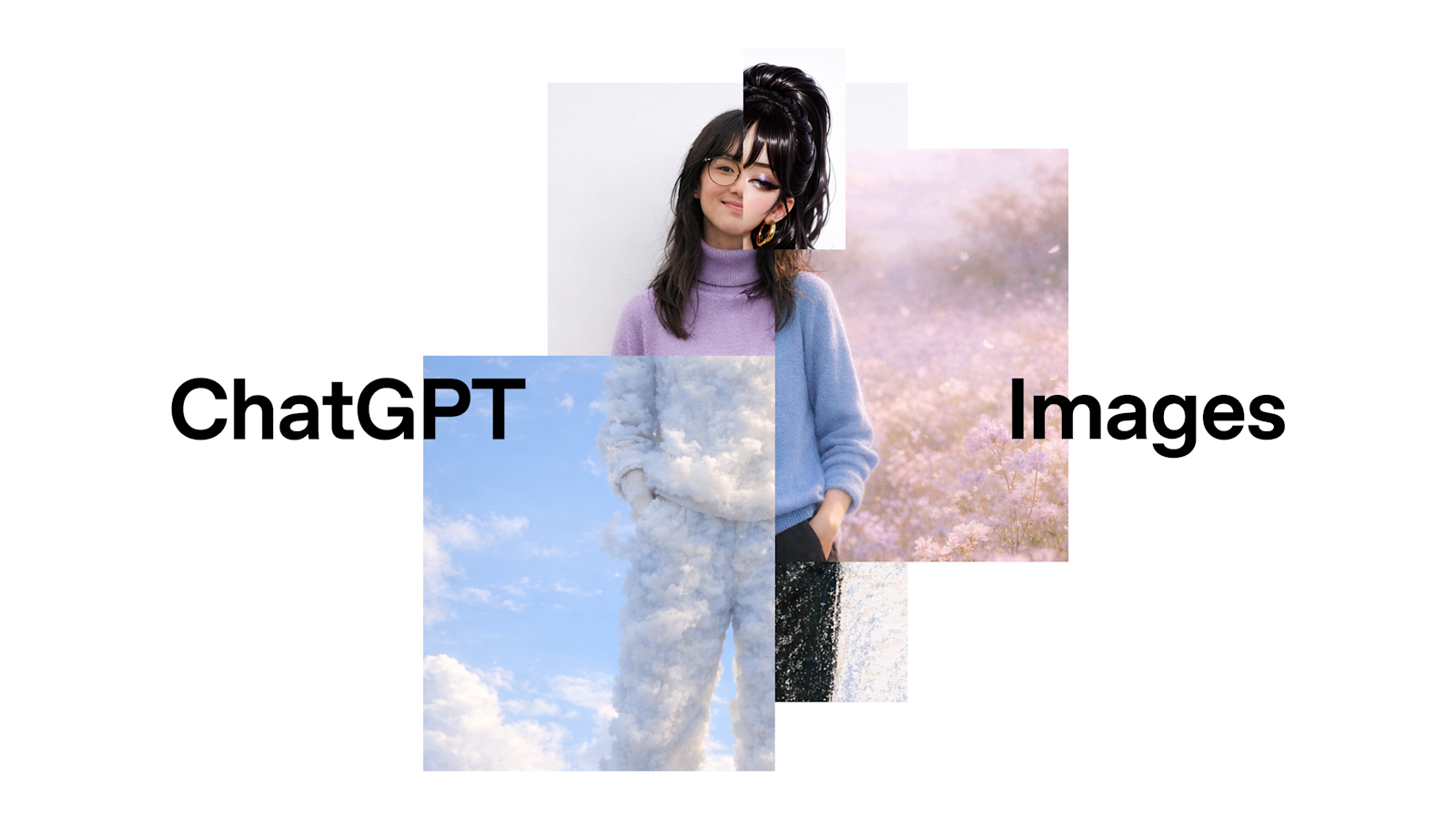
OpenAI’s ChatGPT Images generates and edits images, with improved instruction following, detail preservation, text rendering, and a dedicated Images space. GPT Image 1.5 is available...
UGCraft generates Roblox-oriented accessories, clothing and animations from prompts or reference images. Its free tier is marked non-commercial, despite broader rights claims on the...

WAN-2.6 generates and transforms videos from text prompts, images, and existing footage using text-to-video, image-to-video, and video-to-video workflows.
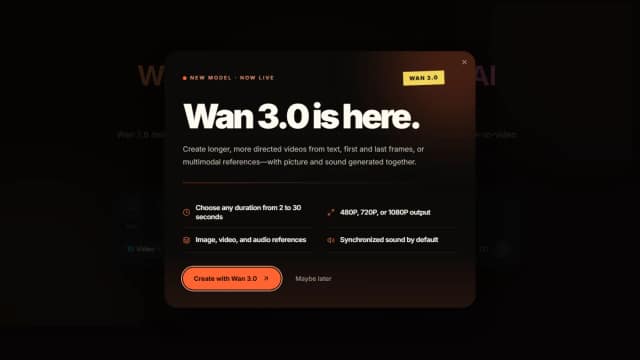
Wan 2.6 is an AI video generator for short multi-shot 720p or 1080p clips with text, image, and video-reference control plus audio and motion synchronization.
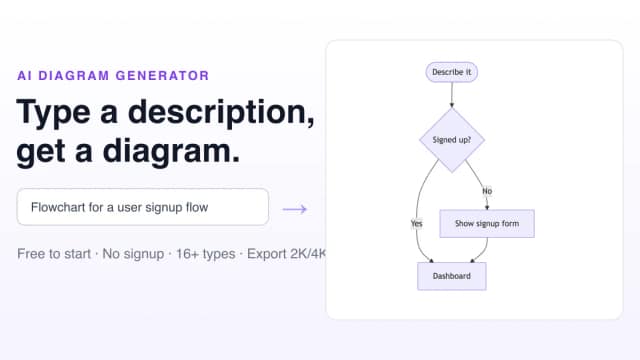
Free AI Diagram Generator creates more than 16 diagram types from natural-language prompts, with Mermaid editing, styled image exports, and a free five-credit plan.
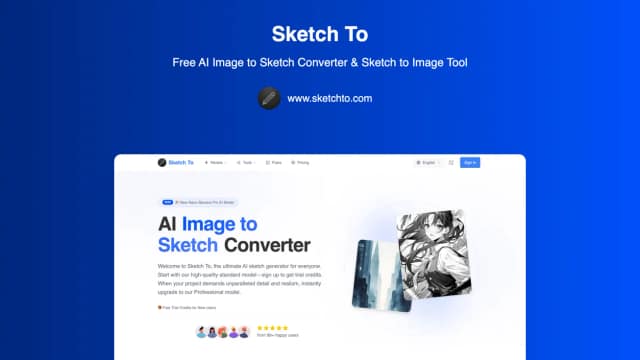
Sketch To converts photos into sketch styles and sketches into generated images. Its credit, upload and subscription descriptions conflict in places, so confirm the current generation...
AISongCreator generates songs from text prompts or lyrics, with vocal and instrumental options, tracks up to eight minutes, and related tools for vocal removal, stems, MIDI, mastering,...
Start with the job, not the brand. Pick a category, sort by newest to see recent launches, then open a tool page to read what it does, who it suits and where its official website is.
Sign in, choose Submit Tool, paste the tool’s official website, pick a category and add a sentence on what it does. Submitting is instant: it is saved straight away and appears in your submission history, where you can follow it through to its published page.
Yes. Founders and makers are welcome to submit their own tools. Link the official product page rather than a social post or app store listing, so readers land in the right place.
Some are free, many have a free plan, and some are paid only. Each tool page links to the official website, which has the current pricing, because plans and prices change often.
New tools are added every day. Sort by Newest first to see the latest additions, or follow the AI Tools RSS feed to get them as they are published.