
Lovspark
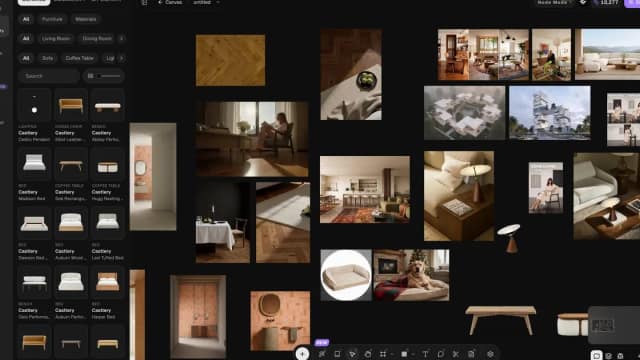
Lovspark presents a canvas for interior and architectural design concepts, including room staging, exterior materials, product scenes, and image refinement.
Find AI tools for work, creativity and everyday tasks. Read what they do before you try them.
Lovspark presents a canvas for interior and architectural design concepts, including room staging, exterior materials, product scenes, and image refinement.

CarBackground replaces the surroundings in vehicle photos, with batch editing and dealer branding for inventory listings.

Soulthread combines story-based AI character interactions with free-form chat. Its published monthly plans separate chat access from full story chapters.

aisel supports psychiatric documentation and intake workflows, with clinician review before drafted material enters the record.

MentoMind gives tutoring businesses a branded platform for diagnostic tests, targeted practice and student progress tracking, with expert-written test-preparation question banks.

Playn AI drafts editable travel itineraries from spoken or typed requests, alongside road-trip ideas, a calendar, and printable packing lists.

ContractorCounter links drawing counts and calibrated measurements to an editable bill of quantities and quote, with AI proposing work for estimator review.
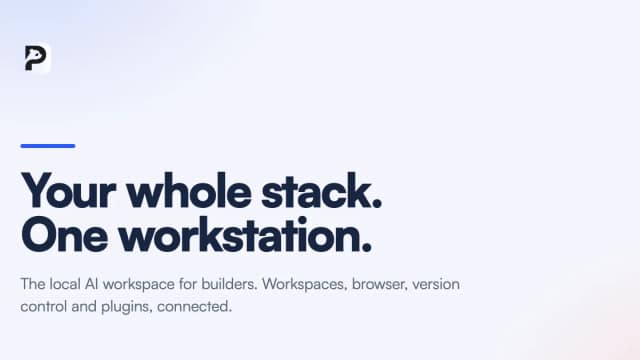
PandaOS is a beta local workstation for projects, tools, and agents, with reusable workflows, project memory, and optional included model usage.

AI Art Create presents image and video generation through a shared credit subscription, with comparison, commercial-use, and privacy features varying by plan.
Start with the job, not the brand. Pick a category, sort by newest to see recent launches, then open a tool page to read what it does, who it suits and where its official website is.
Sign in, choose Submit Tool, paste the tool’s official website, pick a category and add a sentence on what it does. Submitting is instant: it is saved straight away and appears in your submission history, where you can follow it through to its published page.
Yes. Founders and makers are welcome to submit their own tools. Link the official product page rather than a social post or app store listing, so readers land in the right place.
Some are free, many have a free plan, and some are paid only. Each tool page links to the official website, which has the current pricing, because plans and prices change often.
New tools are added every day. Sort by Newest first to see the latest additions, or follow the AI Tools RSS feed to get them as they are published.